















Creator
- Adrian Melian 1
 AnimStarterAnimStarter 4
 Brian HorganBrian Horgan 1
- David HALLOWS 1
 Ehsan BayatEhsan Bayat 4
 Fidel AgbuFidel Agbu 1
 Flux Anim ToolsFlux Anim Tools 1
 LocodromeLocodrome 1
 Pavel BarnevPavel Barnev 1
 Raised By MonstersRaised By Monsters 2
 santibaterasantibatera 2
 SquarebitSquarebit 1
 Victor SchenckVictor Schenck 1
 Wilhelm OgteropWilhelm Ogterop 5
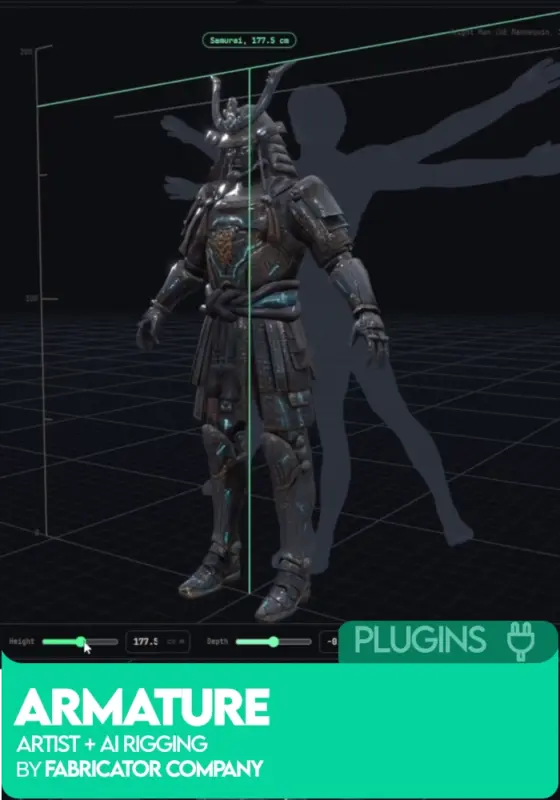
Armature: Artist+AI Rigging by Adrian Melian
FreeArmature by Adrian Melian (FabricatorStudio) is a standalone AI character rigging and skinning application for Windows. Load a character mesh (USD, OBJ, FBX, GLB, glTF), fit proportions, assemble a skeleton from modules or a template, generate skin weights in one press, and export as a single USD file with mesh, skeleton, weights, and Control Rig build data. Ships with a Maya Control Rig builder. Runs fully locally, nothing goes to the cloud. Free for indies and commercial work under $100k a year.
By Adrian Melian (FabricatorStudio).
Select options
This product has multiple variants. The options may be chosen on the product page
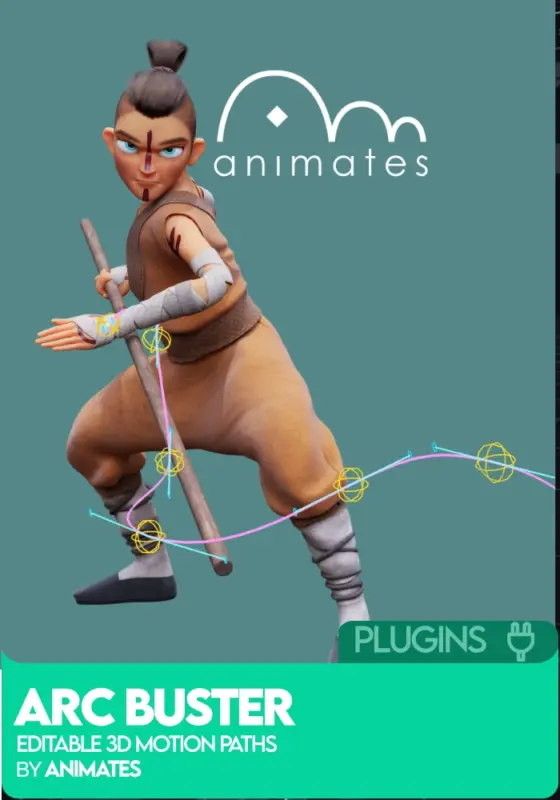
Arc Buster by Animates
£15.00Arc Buster by Animates is an editable 3D motion path and arc polish tool for Blender by David HALLOWS, part of the Animates Suite. Sculpt the path directly in the viewport with an integrated brush, lattice deformation, and polish sliders. Onion skinning shows context. Works on single or multiple bones, objects, empties, or cameras at once. Built for posing, timing, arc cleanup, and efficient mocap polish.
By David HALLOWS.
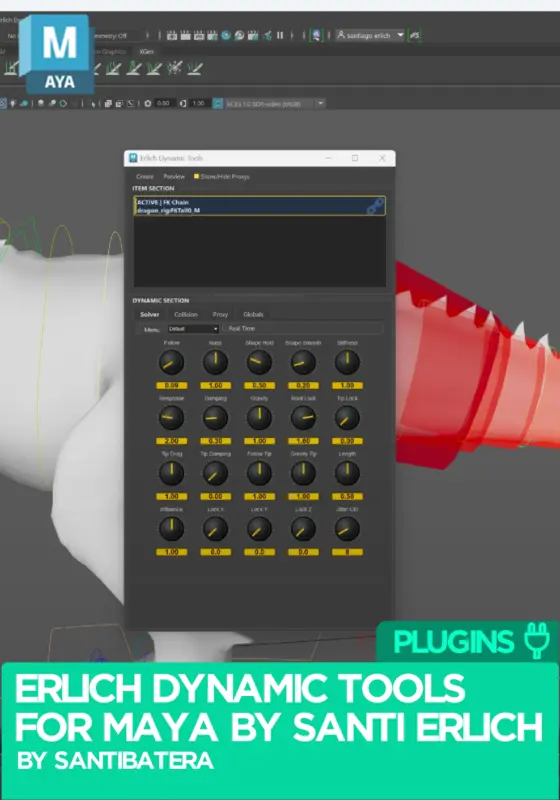
Erlich Dynamic Tools for Maya by Santi Erlich
£35.00A real-time dynamics toolkit for Autodesk Maya.
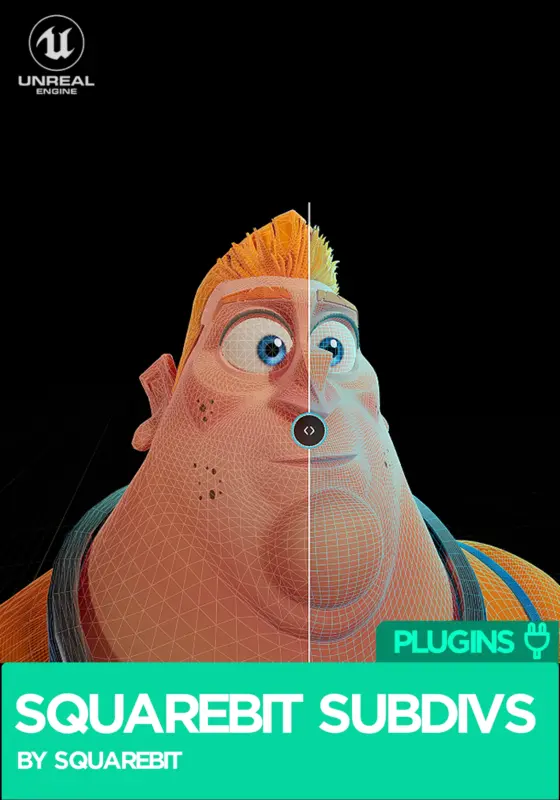
Squarebit Subdivs
FreeSquarebit Subdivs is a real-time subdivision plugin for Unreal Engine by Squarebit LLC. Built on Pixar OpenSubdiv, it brings Catmull-Clark film-grade smoothing into Unreal at runtime, applying after deformation so skinned characters and blendshape-driven assets stay smooth without baking. GPU-driven, adaptive to camera distance, and iteration friendly. Free for personal use; commercial licences are a one-time purchase. By Squarebit Studios.
Select options
This product has multiple variants. The options may be chosen on the product page
Sale
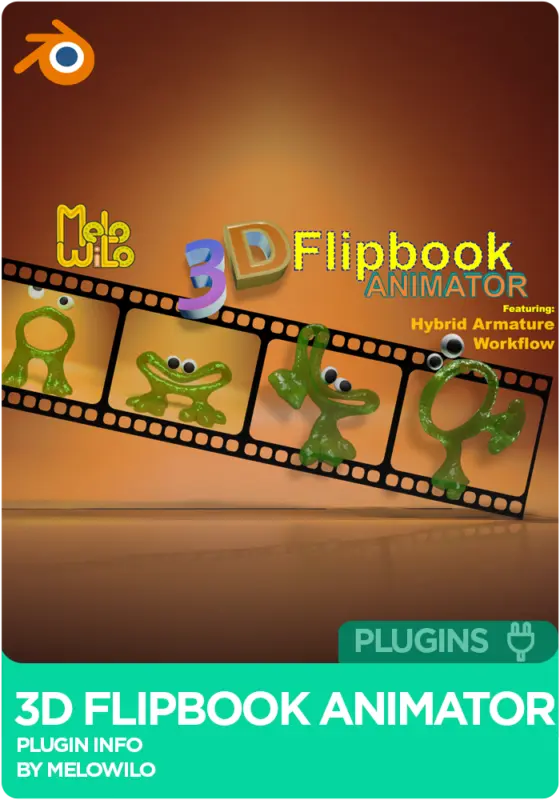
3D Flipbook Animator by Melo Wilo
Original price was: £19.99.£9.99Current price is: £9.99.3D Flipbook Animator for Blender by Melo Wilo brings proper stop-motion style animation into Blender: frame-by-frame control, Hybrid Frame-by-Frame with Morph Blend inbetweening, and the new Hybrid Armature Workflow that lets you sculpt keyframes while the rig is still driving pose animation. Ships with onion skinning, an Alembic sequence edit mode, and export to Alembic, USD, or Shape Keys. Blender 4.2 through 5.2. Over 2 hours of tutorials included.
By Wilhelm Ogterop (Melo Wilo).
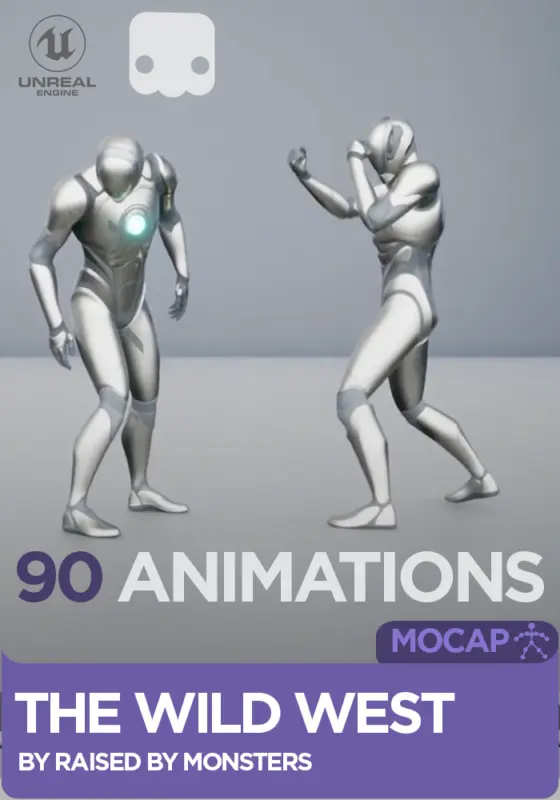
The Wild West Animation Library by Raised By Monsters
£41.66The Western Mocap Animation Library by Raised By Monsters is 90 cinematic motion capture animations for Unreal Engine 5, covering cowboy and western action: duels, gunfights, poker games, drinking, saloon life, horses, prayer, and dozens of narrative moments. Real mocap performances, polished for cinematics. Standard single license. UE5 5.1-5.8, root motion and in-place variants.
Motion capture by Raised By Monsters.
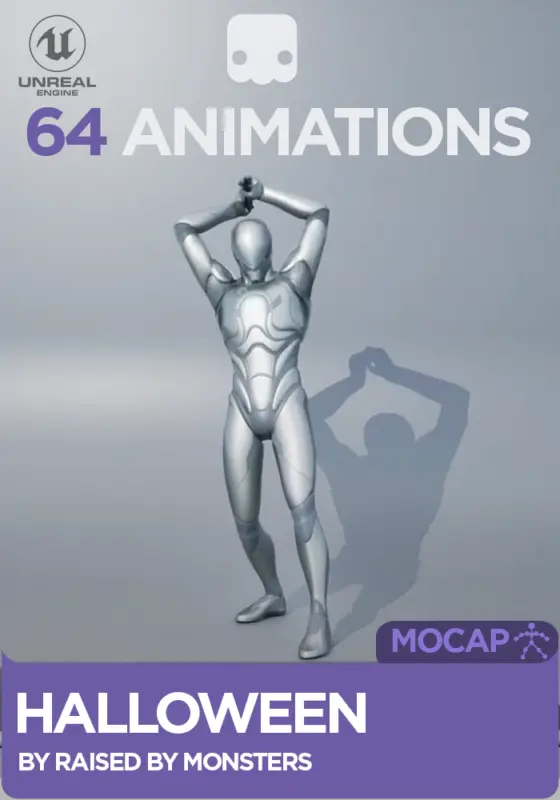
Halloween Mocap Animation Library by Raised By Monsters
£34.99The Halloween Mocap Animation Library by Raised By Monsters is 64 cinematic motion capture animations for Unreal Engine 5, covering Halloween-themed action: witches, zombies, exorcism, jack-o-lantern carving, ouija boards, and dozens of narrative-driven horror moments. Real mocap performances, polished for cinematics. Personal and Professional licenses. UE5 5.1-5.8, root motion and in-place variants.
Motion capture by Raised By Monsters.
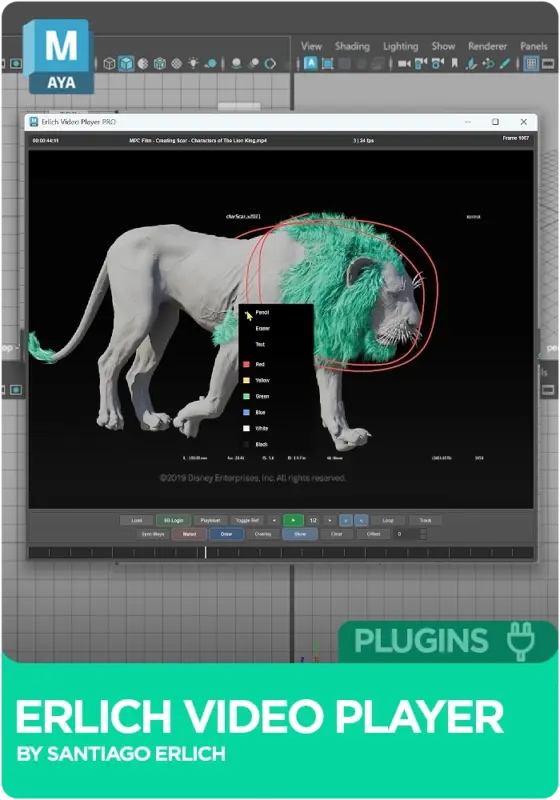
Erlich Video Player for Maya by Santi Erlich
FreeErlich Video Player (EVP) loads video, image sequences, webcam feeds and playblasts straight into Autodesk Maya, so your reference stays frame-synced right next to your scene. Free to use, with an optional Studio tier that adds Autodesk Flow Production Tracking (ShotGrid) integration and encrypted, workstation-locked media for studio pipelines. Supports Maya 2025, 2026, 2027, Windows, Python 3.11. By Santi Erlich
Select options
This product has multiple variants. The options may be chosen on the product page
OverRig Plugin by Pavel Barnev
Price range: £53.06 through £3,335.14OverRig Basic Scripts by Pavel Barnev is the foundation pack of a Maya animation toolset trusted by Riot, Guerrilla, Creative Assembly, Wargaming, Saber, Netease and dozens of other studios. Includes sword polishing tool, overlapper, tween machine, spine rig, motion trail, soft IK, finger animation tools, Center of Gravity tools, and more. Maya 2017-2027. Speeds up animation, polishes mocap, animates secondary motion.
By Pavel Barnev.
Select options
This product has multiple variants. The options may be chosen on the product page
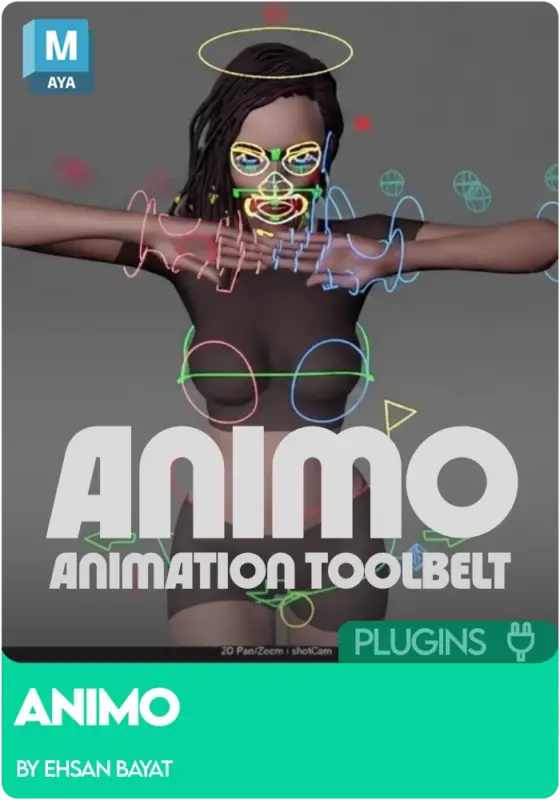
Animo Animation Toolset by Ehsan Bayat
FreeAnimo by Ehsan Bayat is a free, open-source Maya animation toolset covering selection sets, animation sliders, arc tracking, space switching, global offset, Spider-Verse style stepped animation, fast baking, layer tools, multi-camera playblasting, and a stack of other workflow helpers. Commercial and non-commercial use, open source contributions welcome. By Ehsan Bayat.
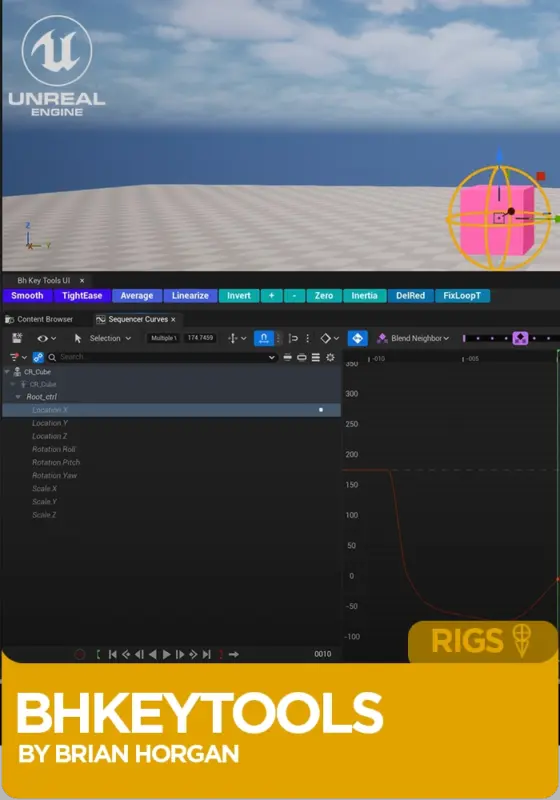
bh_KeyTools for Unreal Engine by Brian Horgan
Price range: £12.46 through £17.82bh_KeyTools for Unreal Engine by Brian Horgan is an animation plugin for Sequencer in Unreal 5.7+. Adds invert, zero, smooth, average, tighten ease, loop tangent fixes, redundant key cleanup, inertia keys, and a stack of other curve editor tools Maya animators will instantly recognise. Pick the Personal or Professional license to suit your team size. Windows 64-bit.
Plugin by Brian Horgan.
Select options
This product has multiple variants. The options may be chosen on the product page

Animates Complete Animation Suite by David Hallows
£45.00A professional Blender animation toolkit by David Hallows featuring Breakdowner, Retimer, Key Amp, Onion Skinning, Motion Paths, Lock to World, and Smart Selection tools. Built by an animator with 10+ years of teaching experience to speed up character animation workflows across Windows, macOS, and Linux.

ConstraintFinder by AnimStarter
£4.99AS_ConstraintFinder by AnimStarter is the constraint manager Maya should have built in. Select any object or group, hit refresh, and instantly see every constraint applied to it. Find the driver in one click, manage constraints individually or globally, and work safely with referenced rigs. Built by a senior animator with 15 years in the industry, so it actually holds up when you are deep in a messy scene.
Plugin by AnimStarter.

ImageRef by AnimStarter
£4.99AS_ImageRef by AnimStarter is a Maya reference manager that takes the entire image plane setup process and reduces it to a single click. Auto syncs image sequences to your timeline, constrains your reference straight to your camera so it stays put, and lets you tweak the start frame from a clean little UI. Built by a feature film animator who got tired of clicking through menus.
Plugin by AnimStarter.

FollowCam by AnimStarter
£3.49AS_FollowCam by AnimStarter solves one of the most frustrating parts of animating fast action: keeping your camera on your character. Select a controller, hit create, and you get a new camera constrained to it that perfectly inherits your viewport camera’s lens settings. Choose how it follows, toggle between cameras with one click, and stop fighting your viewport mid shot.
Plugin by AnimStarter.

Snap Tool by AnimStarter
£1.99AS_Snap by AnimStarter is the magnet tool Maya should have shipped with. Select your target, select your children, hit the button, and everything snaps to the same position and rotation in a single click. No constraints, no menus, no fiddling. Built and used daily by a senior feature film animator, so you know it actually holds up under real production pressure.
Plugin by AnimStarter.

Animation Snapper Pro by Melo Wilo
£18.49Animation Snapper Pro is a Blender addon that brings pro studio snapping workflows to your toolkit, pure keyframe-based snapping with no constraints, no messy hierarchies, and no untangling later.

Maya UI Changer by Fidel Agbu
FreeMayaUIChanger by Fidel Agbu is a versatile tool that gives you in-depth customisation of Maya’s user interface. Choose between custom UI presets or create your own, add custom startup sounds, replace the default splash screen, and bring your favourite styles into Maya. A free quality of life upgrade for anyone who spends their days working in Maya.
Plugin by Fidel Agbu.

Metahuman Animation Tool (MAT)
FreeMetahuman Animation Tool (MAT) by Anthony Koithra is one of those plugins that just makes your life easier as an animator. It is designed to reduce the repetitive tasks that slow you down, improve your iteration speed, and give you more control over posing and timing, all without breaking your existing workflow.
Whether you are blocking, refining, or polishing, Metahuman Animation Tool (MAT) fits right into your process so you can focus on the animation instead of the technical overhead.

Flux Anim Tools – Maya Plugin
£23.58Flux Anim Tools is a powerful plugin for animators working in Maya that helps speed up everyday animation workflows. It’s designed to reduce repetitive tasks, improve iteration speed, and give you more control over posing and timing, all without breaking your existing workflow.
Whether you’re blocking, refining, or polishing animation, Flux Anim Tools integrates seamlessly into your process so you can focus on performance instead of technical overhead.
Features of Flux Anim Tools:
-
Speed up posing and keyframe workflows with intuitive tools
-
Improve animation iteration with faster adjustments and refinements
-
Streamline timing and spacing for cleaner motion
-
Reduce repetitive tasks that slow down production
-
Designed for gameplay, cinematics, and production pipelines
-
Works directly inside Maya with a clean, animator-friendly setup
-
Optimised for fast, responsive workflows
-
Helps maintain consistency across animation passes
-
Supports both early blocking and final polish stages

Graph Editor Toolkit by Melo Wilo
FreeThe Melowilo Graph Editor Toolkit is a small suite of workflow utilities for Blender’s Graph Editor. It was designed to group common animation tasks, like channel visibility, keyframe math, and modifier management, into a single, accessible sidebar.

Vertex Skin Weights by Melo Wilo
£9.99Vertex Skin Weights is a Blender add-on that gives animators and riggers precise numerical control over vertex weights, making it easier to create clean, production-quality skin deformation.

Bone Edit Snapper by Melo Wilo
FreeBone Edit Snapper is a lightweight Blender add-on designed to help riggers snap bones precisely during armature editing, making skeleton setup faster and more accurate.

Cool Lines – Maya Plugin
FreeAbout
Cool Lines is an intuitive tool for creating and managing stylized lines directly in Maya.
It allows artists to paint lines on meshes, generate lines from edges, assign preview shaders, and bake lines into the scene.
Key features include:
- Paint lines directly on a target mesh using Maya Paint Effects tools
- Generate lines from mesh edges automatically
- Assign a default preview shader to all lines
- Control line scale, resolution, and taper via a simple UI
- Dockable interface with live updates on scene changes
- Bake all lines into a single group for final scene export