






Crowd City LibraryThe Wild West LibraryHalloween LibraryAll Mocap


Demo Reel WorkshopCrafting a ShowreelFacial Animation Boot Camp





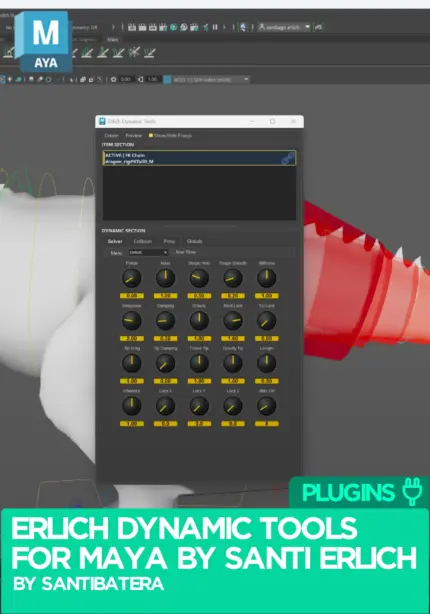
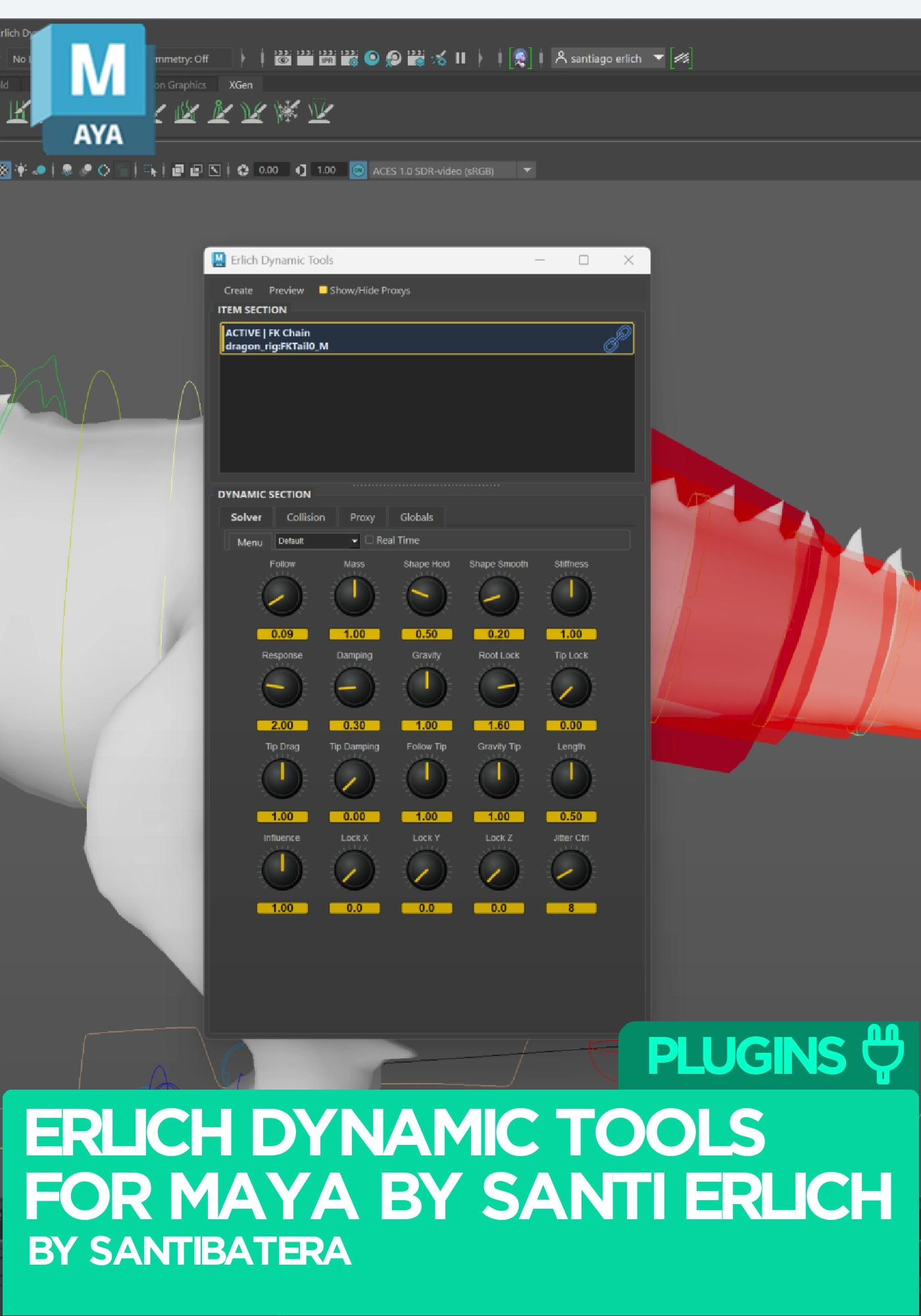
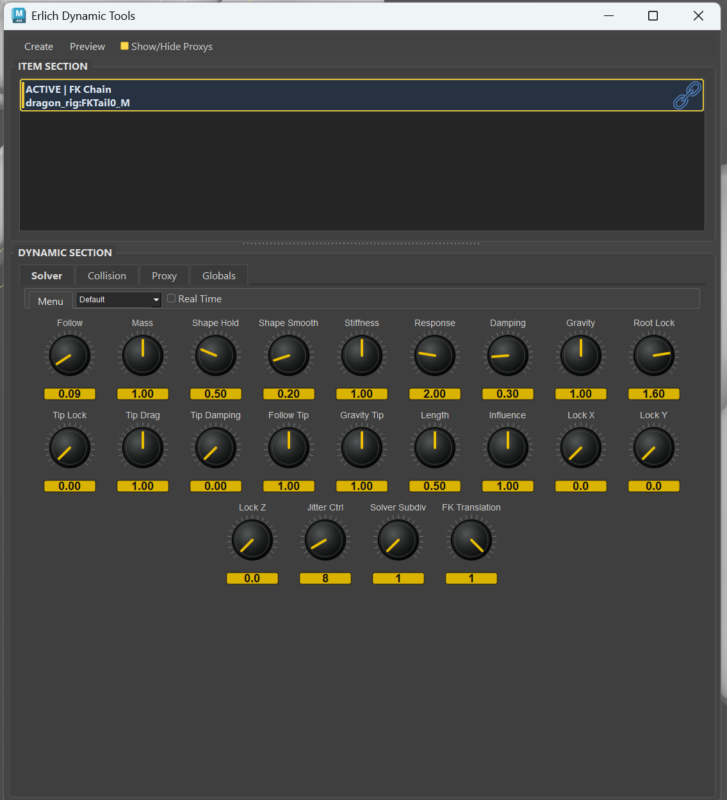
Erlich Dynamic Tools is a real-time Maya dynamics plugin by animator and tools developer Santi Erlich. It adds overlap and secondary animation to tails, hair, cloth, antennae or any bone chain, with collision capsules, a standalone jiggle mode and one solver for both playback and bake, so what you approve while scrubbing is what you ship. For Maya 2025, 2026 and 2027 on Windows.
An animator favourite. One of the ten best selling tools on Animworks over the last three months. See what else animators are buying
 Maya 2025 to 2027
Instant download Vetted creator
Most overlap tools run one engine for preview and another for the bake. Erlich Dynamic Tools runs a single physics solver for both, so what you see in the viewport is exactly what gets baked to keys.
Arming dynamics on a control never touches or deletes your original curves. Arm, disarm, edit the animation underneath and try again, with no gimbal flips and no leftover nodes.
No dedicated dynamics rig to wire up. Arm chains per control, dial in follow-through, gravity and stiffness, then copy the setup to the next character.
Everything runs from a dockable panel inside Maya. Chains solve with Verlet integration and Position Based Dynamics for stable, art-directable motion, and collisions keep the dynamics inside the character's volume. When the shot looks right, bake to real keyframes and keep polishing by hand.
Typical uses: a ponytail or braid in a run cycle, coat tails on a jump, jiggle on soft body parts, antennae and ears, dangling straps, and stiff mocap.
For tails, hair and appendages, using Verlet integration and Position Based Dynamics.
Secondary detail on a single point without arming a full chain.
Dynamics respect the character's volume instead of clipping through it.
Wrap a capsule around an object and solve it as a dynamic body, rather than fighting controllers.
Switch dynamics on or off at any time, with zero leftover nodes in the scene.
Deliver the curves as they are, or hand-animate on top of them.
Sits inside Maya, next to the rest of your animation tools.
Both included with every purchase.
No reviews yet
No reviews yet. If you have used it, you would be the first to say so.
Used this in a shot? Your notes help the next animator decide.
Sign in to reviewEvery plugin on Animworks is checked by our team before it goes live.
Questions and bug reports go straight to Santi Erlich, or email support@anim.works.
It lands in your downloads the moment you check out, and stays there.
 Review shots frame by frame
 Rigs, tools, courses and mentors
Current
Rigs, tools, courses and mentors
Current
 Boards and story beats
Coming soon
Boards and story beats
Coming soon