













Motion Capture for Games
The complete studio mocap workflow, end to end: plan the shoot, direct the floor, clean the data in Maya, and polish it to a shipped-game standard. Built from real production experience on shipped games.
204 students enrolled 3 parts · 30 chapters
English
£199 once, lifetime
0.0
Intro
Master motion capture, end to end
Motion Capture for Games is a professional-grade course covering the entire mocap pipeline: planning shoots, directing actors, working with teams and clients, cleaning data in Maya, and polishing it to a shipped-game standard.
It is built from real production experience across AAA titles, with the exact planning sheets, naming conventions and cleanup workflows used on shipped games.
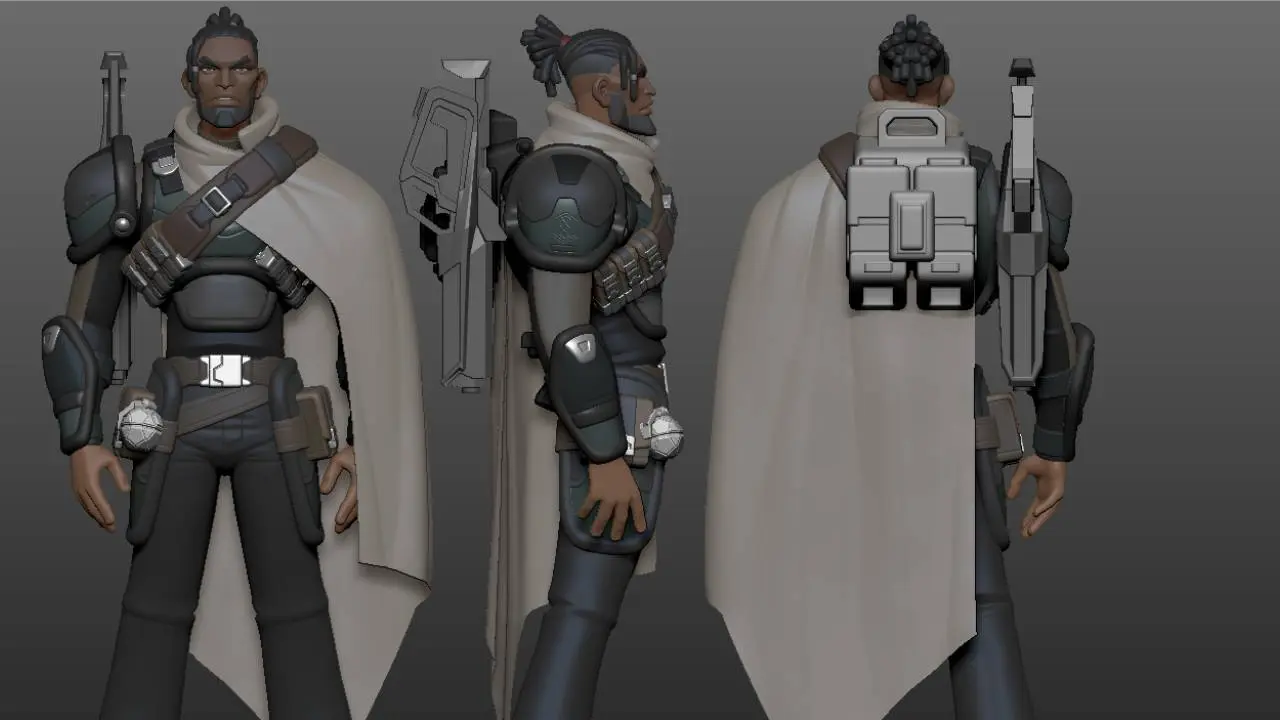
You also get the tools to practice like a professional: the Nubian character rig by Kiel Figgins with facial controls and weapons, two fully rigged Kitbash3D vehicles (the Rover and the Interstellar), and professional motion capture data captured with Super Alloy.
1.0
Foundations
Plan the shoot, direct the floor
Everything that happens before the first clean frame: planning a capture shoot, working with actors and clients, directing on the floor, and setting Maya up the way a studio pipeline expects. You finish the part with raw capture data sitting on a production-ready rig.
- 01Introduction to Motion Capture
- 02Planning Motion Capture
- 03Motion Capture Actors (with Eric Jacobus of Super Alloy)
- 04Motion Capture Directing
- 05Working with Teams and Clients
- 06Maya Setup for Motion Capture
- 07The Nubian Rig
- 08Importing Motion Capture
- 09The Idle Loop, Cleaning Raw Data
2.0
Advanced Motion Capture
Clean data the way studios do
The deep end of the pipeline: team workflows with Perforce and naming conventions, Red9 importing, advanced cleanup and Graph Editor filters, blending mocap with hand-keyed animation, redirecting animation between rigs, and the two vehicle rigs. It closes with an interview with Mark Jackson, the creator of Red9.
- 01Working with Mocap as a Team
- 02Perforce and Naming Conventions
- 03Plugins That Make Life Easier
- 04The Updated Nubian Rig
- 05Advanced Mocap Importing with Red9
- 06Copying Data Between Rigs
- 07Advanced Cleanup Techniques
- 08Graph Editor Filters
- 09Blending Mocap Animations
- 10The Animation Redirector
- 11Vehicle Rigs, Interstellar and Rover
- 12Blending Hand-Key and Mocap
- 13Interview with Mark Jackson, Creator of Red9
3.0
Introduction to Cinematics
From gameplay to the cinematic frame
Where game animation meets film craft: how players perceive cutscenes, the cutscene types games actually ship, the different approaches from AAA to indie, actor performance, and facial motion capture with F.A.C.T.S.
- 01Cutscene Perception
- 02Cutscene Types in Games
- 03Cinematics vs Gameplay
- 04The Cinematics Approach, AAA to Indie
- 05Actor Performance
- 06Facial Motion Capture and F.A.C.T.S.
What you’ll walk away with
By the end of this course, you will be able to:
01Understand how professional mocap pipelines work in AAA games production
02Plan and prepare a motion capture shoot from scratch
03Blend motion capture with hand-keyed animation for full creative control
04Direct actors on set to capture exactly the performance you need
05Work with mocap as part of a team using Perforce and naming conventions
06Set up Maya correctly for a professional mocap workflow
07Apply advanced clean-up techniques using the Graph Editor
08Import, retarget, and clean motion capture data to a polished standard
09Set up and animate vehicle rigs including spacecraft and companion vehicles
10Build seamless idle loops and polished in-game animations
11Retarget and redirect animations across multiple rigs and characters
In the box
Every asset used on screen ships with the course. Nothing else to buy.
| The Nubian rigCharacter | Production character rig by Kiel Figgins, with facial controls and weapons. Licensed for learning and portfolio use, including your showreel. |
|---|---|
| Rover + InterstellarVehicles | Two fully rigged vehicles from Kitbash3D’s Mission to Minerva, used in the vehicle animation chapters. |
| Capture libraryMocap data | Professional captures recorded with Super Alloy, with new data added over time as free updates. |
| Red9 toolkit trainingTooling | The Red9 toolkit taught inside the course, plus an exclusive 30% Red9 discount for students. |
| RequirementsSoftware | Autodesk Maya required. Everything else used on screen ships with the course. |
| AccessDelivery | Stream anytime, learn at your own pace. Lifetime access with all future updates included. |


FBX


A note from the instructor
I’ve spent twenty years leading animation teams in games, and most of what actually ships starts as motion capture. Yet almost nobody teaches the full pipeline: how a shoot is planned, how actors are directed, what clean data looks like, and what a studio expects from finished work.
This course is that pipeline, taught the way I run it in production. You’ll work with the exact planning sheets, naming conventions and cleanup workflows we use on shipped titles, on assets that are yours to keep.
Harvey Newman
Animation Director · Founder of Animworks · Author of How to Thrive in the Games Industry
Credits: DICE · Build A Rocket Boy · Creative Assembly · Crytek · Axis Animation
P.S. Former student Alex Maniotis went from this course to Senior Cinematic Animator, and now mentors on Animworks himself. And if you want me in your corner while you take it, there’s a mentorship bundle below.
Enrollment
One-time payment. Lifetime access, free updates.
The Full Course
All 3 parts and 30 chapters, the Nubian rig with weapons, both vehicle rigs, the capture library, lifetime updates.
Popular
from £339course + 1 hour
Book Mentorship
Course + Mentorship
Everything in the full course, plus a 1-on-1 session with Harvey Newman: showreel and shot review, session recording included.
Studios and Teams
Multi-seat licensing, private team workshops, invoiced billing.
Curious about my mentorship?
Find out more below.
20+ Years Industry Exp 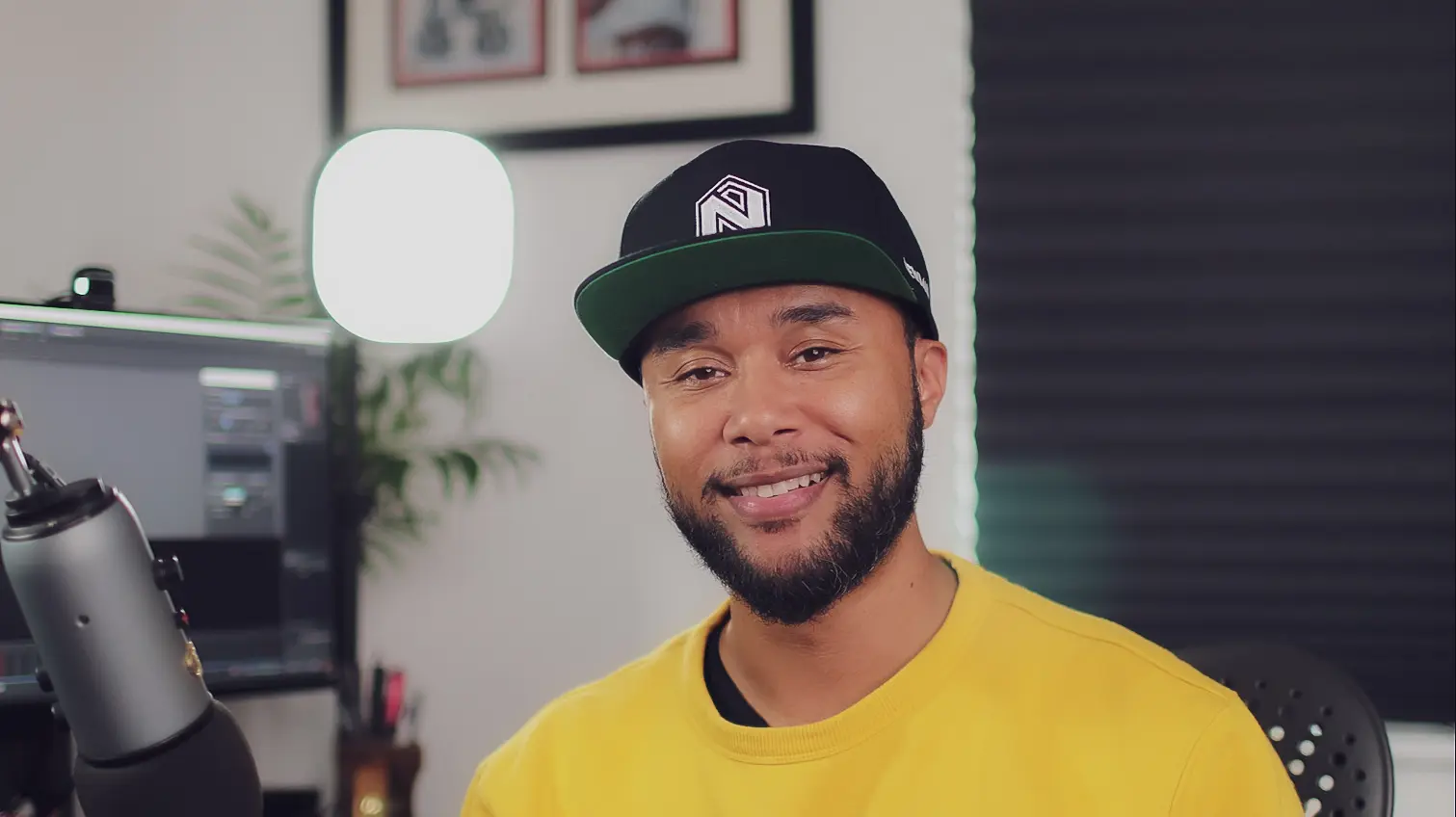
The Animation Collective
Harvey Newman
Animation Director & Founder of AnimworksMentorship is the dailies room, opened up. You bring your shots and your goals; we review them 1-on-1 the way studios run dailies: direct notes, clear priorities, and a recording of every session that is yours to keep. Book a single hour for a showreel or shot review, or go week-long or month-long when you want sustained momentum, and bring any question about craft, pipeline or career along with you.
Former student Alex Maniotis went from this course to Senior Cinematic Animator, and now mentors on Animworks himself: watch his story.
Keep exploring on Animworks
More courses from The Animation Collective.


Common questions
Is this course beginner friendly?
Yes. The course is built for newcomers and experienced animators alike. Everything is explained step by step, so you can start working immediately.
What do I need to follow along?
Autodesk Maya is required. The Nubian rig and all course assets are included, so there is nothing else to buy.
How long do I keep access?
For life. You pay once, keep the course forever, and all future updates are included free of charge.
What is the refund policy?
We offer a 14 day refund if the course is faulty or significantly not as described, alongside your consumer cancellation rights. Full details are in our Terms of Service.
Can I use the rigs in my showreel?
Yes. The Nubian rig and both vehicles are licensed for personal learning and portfolio use, including your showreel. They may not be resold or redistributed.
Pay once. Keep it forever.
Enroll for £199£199 · lifetime access · free updates · 204 students enrolled