






Crowd City LibraryThe Wild West LibraryHalloween LibraryAll Mocap


Demo Reel WorkshopCrafting a ShowreelFacial Animation Boot Camp




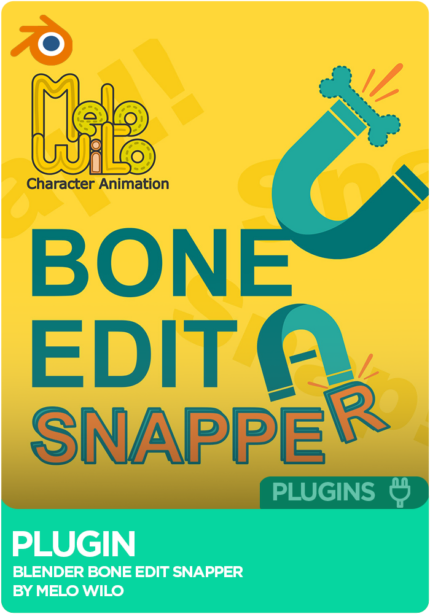
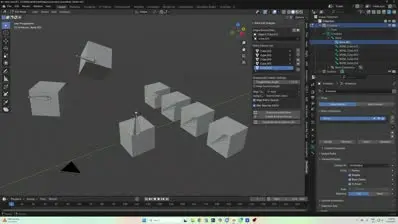
Bone Edit Snapper is a free Blender add-on by Melo Wilo that snaps bones to vertices, edges and faces while you edit an armature. Create a bone for every object in a list with one click, set length and axis alignment, match roll to the source's orientation and skin the mesh as you go, so building a clean skeleton stops being a round of manual nudging. Supports Blender 4.0 and 5.0.
 Blender
Instant download Vetted creator
Aligning bones to geometry by hand is slow guesswork. Snap them straight to vertices, edges and faces, or define a source object or pose bone and snap to that.
Keep a list of source objects and create a new edit bone for every item with a single click, then add, remove, clear or reorder the list.
Roll can be set to match the source's orientation, which helps with IK pole targets and FK rotations, and source meshes can be skinned to their bones in one click.
The add-on works inside Blender's rigging workflow. Operators switch on and off depending on context (Armature Edit Mode, an active bone, a defined source), and informative messages tell you what it needs next.
Drop any object or armature into the Source Drag & Drop field.
Eyedropper a pose bone in the viewport, or use the active object, pose bone or edit bone.
One new edit bone for each item in your source list, in a single click.
Set a length for new bones, or keep an existing bone's current length when snapping.
Align the tail along X, Y or Z, or their negatives, in the source item's space or world space.
Calculates roll from the source's orientation so the bone's local Z-axis is sensibly aligned.
Creates vertex groups at 100% weight and adds an Armature modifier if the mesh has none targeting the right armature.
No reviews yet
No reviews yet. If you have used it, you would be the first to say so.
Used this in a shot? Your notes help the next animator decide.
Sign in to reviewEvery plugin on Animworks is checked by our team before it goes live.
Questions and bug reports go straight to Melo Wilo and Wilhelm Ogterop, or email support@anim.works.
It lands in your downloads the moment you check out, and stays there.
 Review shots frame by frame
 Rigs, tools, courses and mentors
Current
Rigs, tools, courses and mentors
Current
 Boards and story beats
Coming soon
Boards and story beats
Coming soon