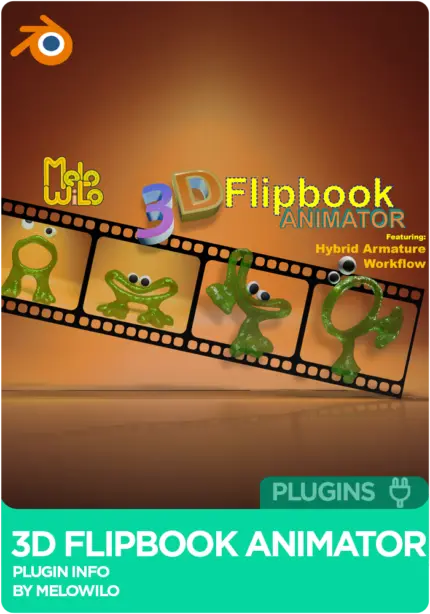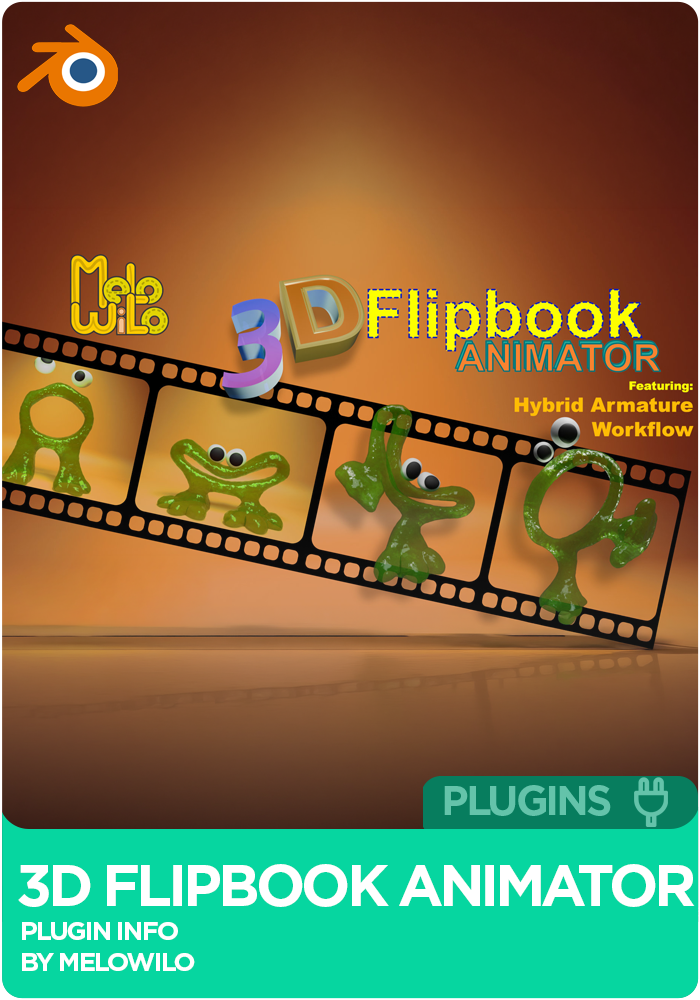






3D Flipbook Animator by Melo Wilo

3D Flipbook Animator for Blender by Melo Wilo brings proper stop-motion style animation into Blender: frame-by-frame control, Hybrid Frame-by-Frame with Morph Blend inbetweening, and the new Hybrid Armature Workflow that lets you sculpt keyframes while the rig is still driving pose animation. Ships with onion skinning, an Alembic sequence edit mode, and export to Alembic, USD, or Shape Keys. Blender 4.2 through 5.2. Over 2 hours of tutorials included.

By Wilhelm Ogterop (Melo Wilo).

Original price was: £19.99.Current price is: £9.99.

3D Flipbook Animator for Blender: Stop-Motion Style Animation Addon by Melo Wilo

If you’ve ever wanted to animate in Blender the way stop-motion animators work with clay and puppets, this is the addon that finally makes it possible. The 3D Flipbook Animator by Wilhelm Ogterop (Melo Wilo) is a proper Blender addon for frame-by-frame animation, and it’s one of the most quietly powerful tools to land on the marketplace this year. Whether you’re chasing a Spider-Verse look, doing a traditional 2D-into-3D pipeline, or you need the missing Edit Mode for Alembic sequences, this is the toolset.

Melo built the 3D Flipbook Animator because he needed it himself on an ongoing project. He needed something that could work in any style around the flipbook concept, at speed. The core idea is simple: the addon plays back a collection of 3D meshes in sequence. But on top of that basic mechanism, he’s built out a comprehensive toolset that turns it into a proper flowing workflow, from core operations to advanced time-savers. And in the process he discovered the Hybrid Armature Workflow, which lets you sculpt keyframes and animate an armature rig at the same time. That’s a first for Blender.

What makes the 3D Flipbook Animator worth installing

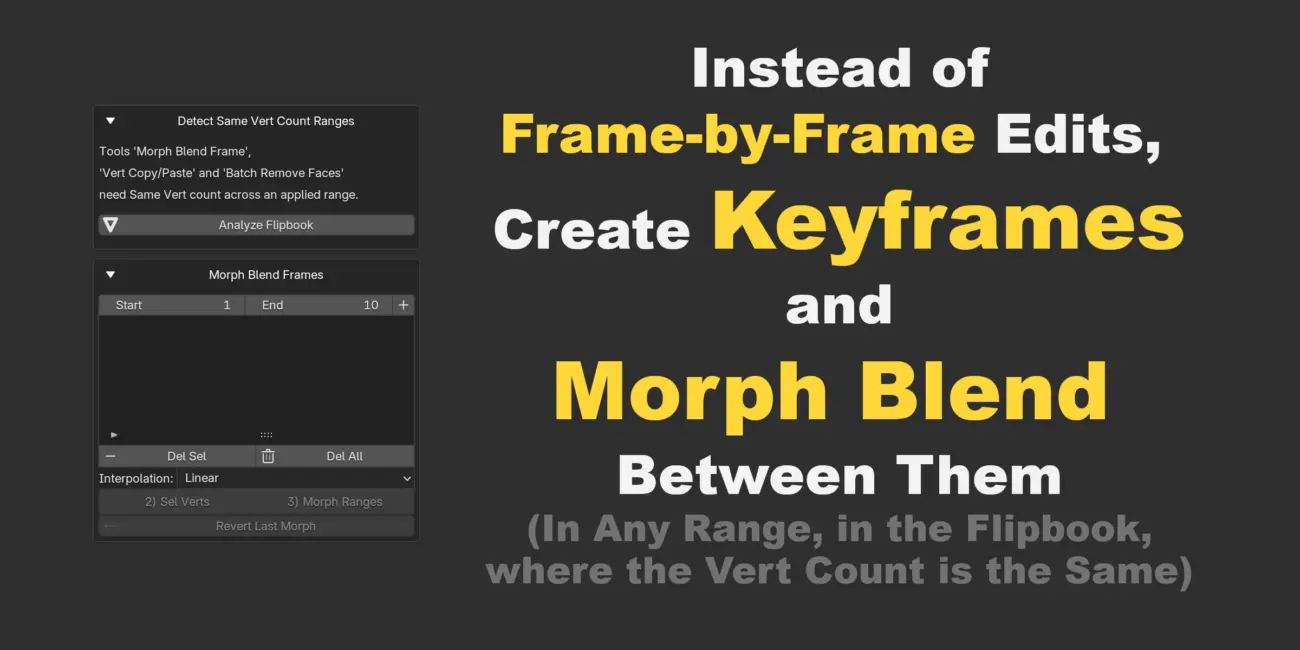
Blender has always been strong at rig-driven animation, and its physics simulation tools are excellent, but frame-by-frame style animation has never been a native strength. The 3D Flipbook Animator changes that. You get proper frame-by-frame control, but you also get Hybrid Frame-by-Frame where you can inbetween using Morph Blend Frames. That combination lets you work with the freedom of stop-motion while keeping the option to smooth timing where you need it.

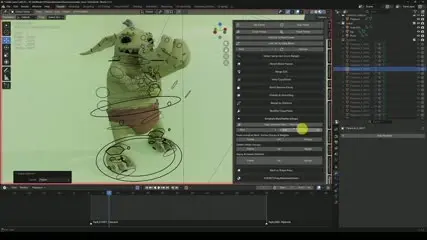
The Hybrid Armature Workflow is the real headline feature. You can sculpt keyframes on rigged characters or objects while the armature rig is still driving pose animation. Both systems run at the same time. You get the animator-friendly rig for locomotion and body mechanics, plus the raw sculpting freedom for facial performance, fabric folds, or anything else where the rig alone can’t quite land the shape.

It’s also the missing Edit Mode for Alembic Sequences. Anything where the mesh can be snapshotted becomes a flipbook, and once it’s a flipbook you get every editing tool the addon ships with. So if you’re pulling in simulated sequences or Alembic caches and wishing you could just fix that one frame, now you can.

Game engine friendly export

The 3D Flipbook Animator is designed to leave your Blender project in a shape you can actually ship. Export as Alembic or USD sequences, or use the built-in options to bake the flipbook into Shape Keys on a single mesh. Either way, the animation ends up in a format any game engine, real-time DCC, or traditional 3D pipeline can read.

The 3D Flipbook Animator is great for

  • Stop-motion style 3D animation projects in Blender
  • Spider-Verse and Arcane style stylised animation with hybrid rig plus sculpted keyframes
  • Character animation where facial performance needs raw sculpting freedom
  • Editing Alembic caches and simulated sequences frame-by-frame
  • Short film work with a distinct hand-crafted look
  • Game and real-time pipelines exporting as Alembic, USD, or Shape Keys
  • Onion skinning workflows for animators moving from 2D into 3D
  • Studios wanting to blend rig-driven and vertex-level animation on the same character

Full feature breakdown

Core flipbook management

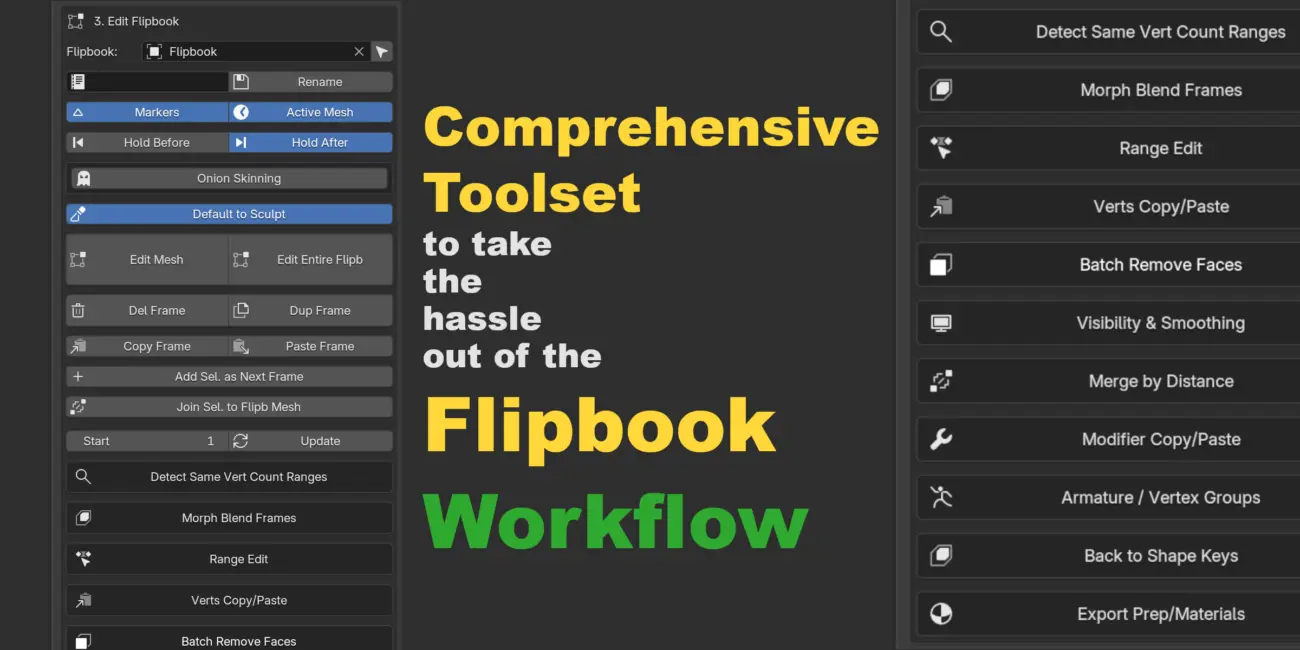
  • Collection to Flipbook Conversion: converts any collection of meshes into a single Geometry Nodes driven object that updates per frame
  • Unified Extraction: extracts animated meshes, Curves, Metaballs, and Text into sequential frame-by-frame mesh snapshots
  • Hybrid Armature Flipbooks: creates sequences that maintain armature modifiers and vertex groups, allowing a mix of skeletal animation and vertex-level editing
  • Sequence Merging: combines two different flipbooks (geometry and materials) into a single new sequence

Advanced frame editing

  • Per-Frame Sculpt / Edit Mode: a specialised “Edit Mesh” toggle that handles visibility automatically so you can sculpt or model individual frames while scrubbing the timeline
  • Multi-Frame Editing: an “Edit Entire Flipbook” mode that puts every mesh in the sequence into Edit Mode simultaneously for global adjustments
  • Onion Skinning: a GPU-accelerated overlay showing “ghost” versions of previous and subsequent frames in red and green, wireframe or solid
  • Dynamic Visibility: automatic logic that hides the source collection and only shows the relevant frame mesh during playback or editing

Vertex animation and morphing

  • Morph Blending: interpolates vertex positions between two frames across a range, with easing options (Linear, Ease In / Out, and more)
  • Vertex Clipboard: advanced copy / paste system for vertices, including local and world space paste, relative paste from a stored baseline, and paste blending with a 0 to 100% influence slider

Sequence and range operations

  • Range Tools: Delete, Duplicate, Reverse, or Ping-Pong (Duplicate plus Reverse) specific frame ranges
  • Timeline Markers: automatically generates flipB_START and flipB_END markers on the timeline for the active sequence
  • Hold Frames: “Hold Before” and “Hold After” toggles that create static meshes to fill time before the flipbook starts or after it ends

Hybrid rigging and modifier tools

  • Skeletal Transfer: copy vertex groups and weights from a source object and apply them to the entire flipbook sequence
  • Deform Baking: “Apply Deforms” permanently bakes armature poses into the mesh data for a specific frame or the full range
  • Modifier Batching: copy a modifier stack from one frame and paste it across the entire sequence or a specified range (e.g. Solidify on 100 frames at once)

Shape Key integration

  • Flipbook to Shape Keys: converts a multi-object flipbook sequence into a single mesh with Shape Keys
  • Automated Animation: automatically keys the influence of those shape keys to recreate the original animation on a single object
  • Manual and Nth Frame Selection: choose to convert every frame, every Nth frame, or only specific manually selected frames

Utility and workflow

  • Topology Analysis: scans the flipbook to detect ranges with matching vertex counts (critical for morphing and vertex copying)
  • Material Management: batch apply materials to specific slots across all frames and Sync Materials so the Geometry Nodes sequencer recognises them
  • Split by Material: automatically duplicates the flipbook and splits it into separate objects based on material assignments (useful for export pipelines)
  • Safe Export Mode: a Bake Mode toggle that disables the internal visibility logic, preventing crashes when exporting to Alembic or USD
  • Batch Normal / Smooth Control: quickly set Shade Smooth or Flip Normals for the entire sequence at once

Over 2 hours of tutorials included

Melo has recorded more than 2 hours of video tutorials with practical examples covering every tool in the addon. The basics are quick to pick up, but the deeper workflows will pay back the time you invest in them. There are chapters throughout, so you can jump straight to whatever you need to refresh.

Compatibility

  • Blender 4.2 through 5.2
  • Blender Extension compatible
  • Add-on extension type
  • Works with Cycles, Eevee, Freestyle, Arnold, Blender Internal, Blender Game Engine, Luxrender, Mental Ray, Octane, V-Ray, Yafaray

Support and licence

12 months of support from Melowilo Animation LTD is included, along with product updates during that period. Support can be extended for an additional 12 months at 25% of the product price. The addon is released under the GPL licence.

3D Flipbook Animator by Wilhelm Ogterop (Melo Wilo / Melowilo Animation LTD).

0 reviews
0
0
0
0
0

There are no reviews yet.

Only logged in customers who have purchased this product may leave a review.

Wilhelm Ogterop is an animator & technical artist specialising in animation tools and pipeline development. His work focuses on building systems that simplify complex workflows, allowing animators to focus on performance while maintaining production efficiency.