

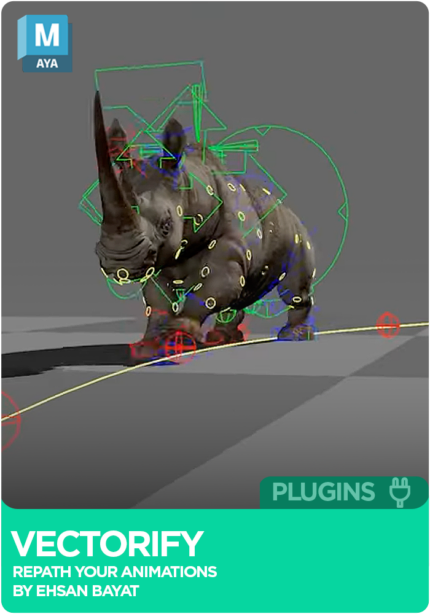
Vectorify - Maya Plugin
FreeMaya





Crowd City LibraryThe Wild West LibraryHalloween LibraryAll Mocap


Demo Reel WorkshopCrafting a ShowreelFacial Animation Boot Camp





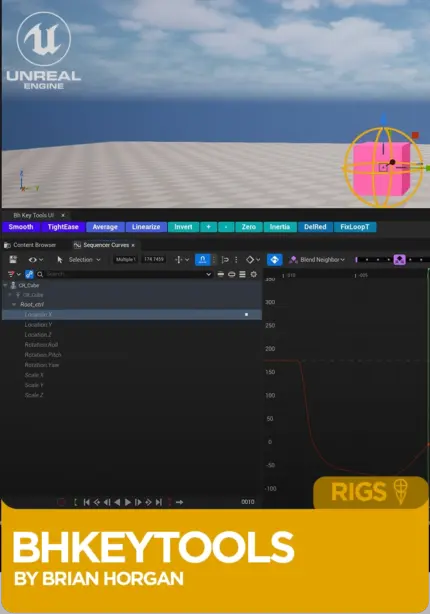
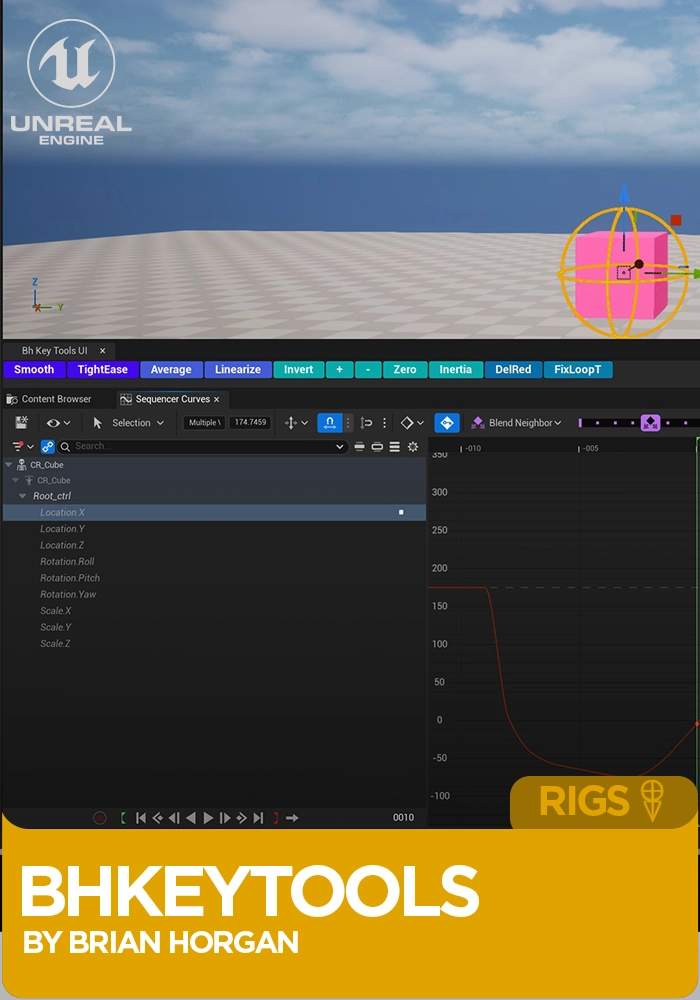
bh_KeyTools for Unreal Engine by Brian Horgan is an animation plugin that adds key and tangent tools to the Sequencer curve editor in Unreal Engine 5.7 and later: invert, zero, smooth, average, tighten ease, loop fixes, redundant key cleanup and inertia keys. For animators, especially ones coming from Maya, who lose time to curve editor operations that should take half a second. Windows 64-bit.
Pay once, own it outright. One licence per seat for commercial work.
Buy personal licensePay once, own it outright. One licence per seat for commercial work.
Buy professional license Unreal 5.7+
Instant download Vetted creator
Inverting, zeroing or averaging keys in Sequencer takes more steps than it should. bh_KeyTools does each in one operation, with clean undo.
Cyclic animation in Sequencer tends to pop at the seam. Fix Loop Tangents and Fix Loop Values are a pair built to make cycles line up.
Average and Smooth soften noise in mocap or dense animation data, and Delete Redundant Keys strips keys that add nothing, within a tolerance.
Brian built this from years of animating in engine, not from reading the API docs. Every tool solves a problem you will have run into in Sequencer: tangents that will not sit right, loops that do not loop, keys that need inverting or zeroing. The tools are scoped tight, undo properly, and work with Control Rig selections.
Applies a spline-type ease in and out across selected keys. Good for softening mocap or detailed animation data.
Like Smooth, with a much tighter ease in and out.
Softens the difference between keys, useful for removing noise from mocap.
Adjusts values to keep transitions linear, for fixing sliding feet in walks and runs.
Invert flips values and tangents in place with the tangent shape preserved. Zero sets values to zero in one click.
Adds procedural overshoot and settle behaviour to your curve.
Removes keys that do not contribute to the curve, within a tolerance.
A pair of tools for cyclic animation, including gameplay cycles.
Scales the amplitude of selected keys from their average.
Visualise and inspect tangent values when troubleshooting curves.
No reviews yet
No reviews yet. If you have used it, you would be the first to say so.
Used this in a shot? Your notes help the next animator decide.
Sign in to reviewEvery plugin on Animworks is checked by our team before it goes live.
Questions and bug reports go straight to Brian Horgan, or email support@anim.works.
It lands in your downloads the moment you check out, and stays there.
 Review shots frame by frame
 Rigs, tools, courses and mentors
Current
Rigs, tools, courses and mentors
Current
 Boards and story beats
Coming soon
Boards and story beats
Coming soon