






Crowd City LibraryThe Wild West LibraryHalloween LibraryAll Mocap


Demo Reel WorkshopCrafting a ShowreelFacial Animation Boot Camp





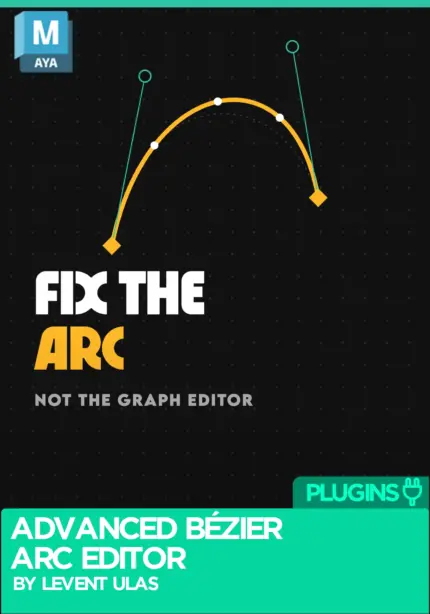
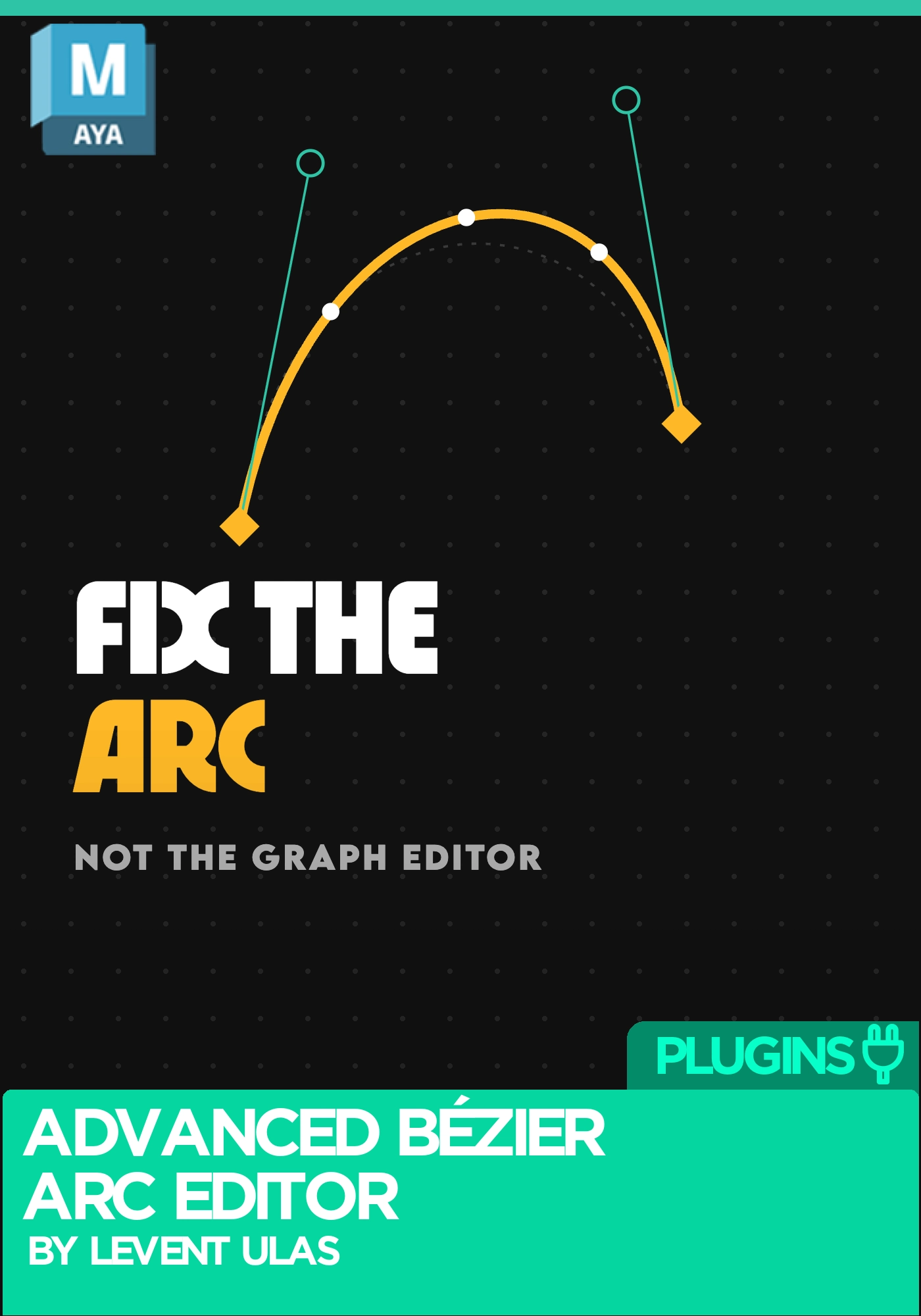
Edit motion arcs directly in the Maya viewport using interactive Bézier points and tangent handles. Reshape the movement, preview the result and apply it, without editing individual XYZ curves.
 Maya
Instant download Vetted creator
Advanced Bézier Arc Editor by Levent Ulas: interactive motion arc editing for Autodesk Maya
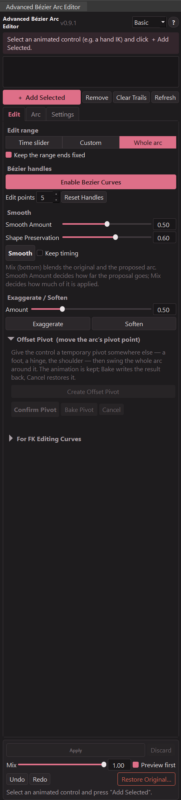
Editing motion arcs through individual XYZ curves in Maya can take a long time. Advanced Bézier Arc Editor makes that process easier and more visual: select an animated object or rig controller, see its motion trajectory, and edit the arc directly in the Maya viewport using interactive Bézier points and tangent handles.
You reshape the movement, preview the result, and apply the change to your animation. The tool rewrites the keys for you, so you fix the arc instead of fighting the graph editor.
It turns an arc from something you infer out of three separate curves into something you can hold and reshape. Add an animated control, enable Bézier curves, and move the control points and tangent handles until the path is the one you wanted. Smooth it, push it further, or pull it back, then blend your original motion against the proposal before anything is committed.
Because the edit range can be the whole arc, the time slider range, or a custom frame range, the tool drops into a polish pass without disturbing the rest of the shot. Protected frames keep your key storytelling poses where they are, offset pivot lets you swing a whole arc around a foot or a shoulder, and key reduction tidies up afterwards. Nothing is destructive: preview and blend first, restore the original at any point.
Builds are included for Autodesk Maya 2022 to 2027. For questions, bug reports or suggestions, Levent can be reached at levent.animtools@gmail.com.
Advanced Bézier Arc Editor by Levent Ulas. See more animation plugins on Animworks.
No reviews yet
No reviews yet. If you have used it, you would be the first to say so.
Used this in a shot? Your notes help the next animator decide.
Sign in to reviewEvery plugin on Animworks is checked by our team before it goes live.
Questions and bug reports go straight to Levent Ulas, or email support@anim.works.
It lands in your downloads the moment you check out, and stays there.
 Review shots frame by frame
 Rigs, tools, courses and mentors
Current
 Boards and story beats
Coming soon