

Advanced Bézier Arc Editor
£59.99Maya





Crowd City LibraryThe Wild West LibraryHalloween LibraryAll Mocap


Demo Reel WorkshopCrafting a ShowreelFacial Animation Boot Camp





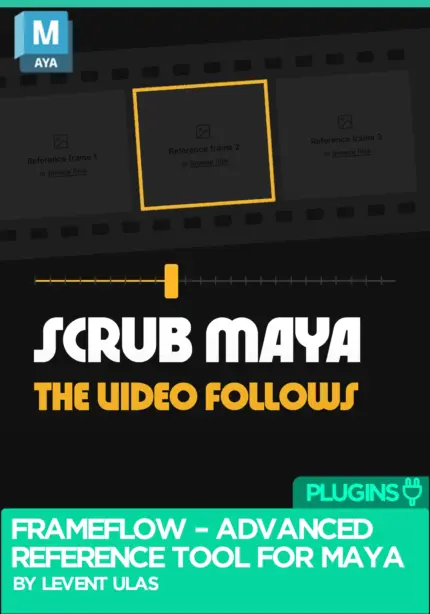
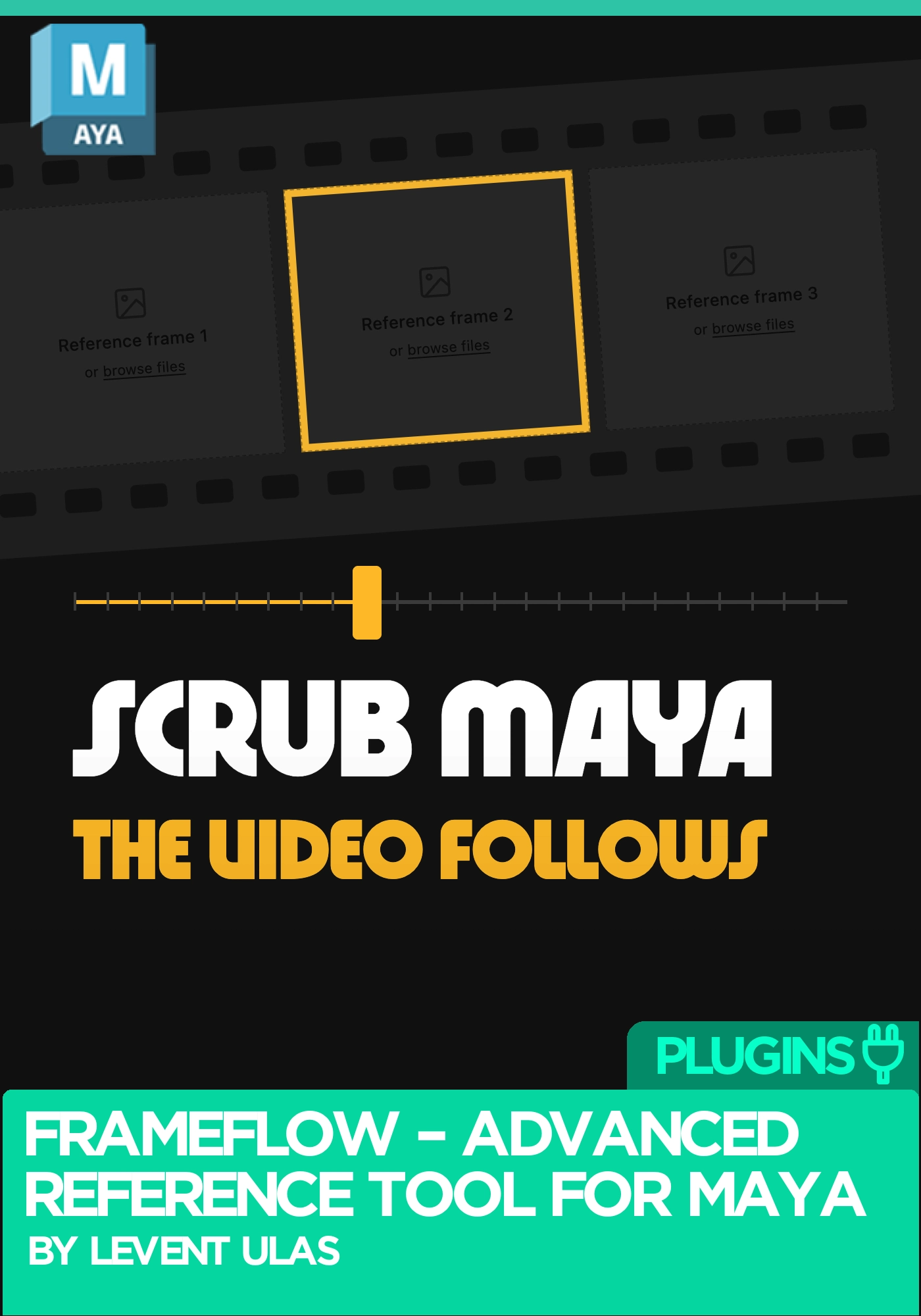
FrameFlow is an advanced video and image reference tool for Autodesk Maya, designed to help character animators work with animation references directly inside the Maya viewport.
 Maya 2022+
Instant download Vetted creator
FrameFlow by Levent Ulas: advanced video and image reference tool for Autodesk Maya
FrameFlow is an advanced video and image reference tool for Autodesk Maya, designed to help character animators work with animation references directly inside the Maya viewport. Instead of constantly switching between Maya and an external video player, you import, organise, adjust and retime your reference without leaving your animation workspace.
Scrub the Maya timeline and the video follows.
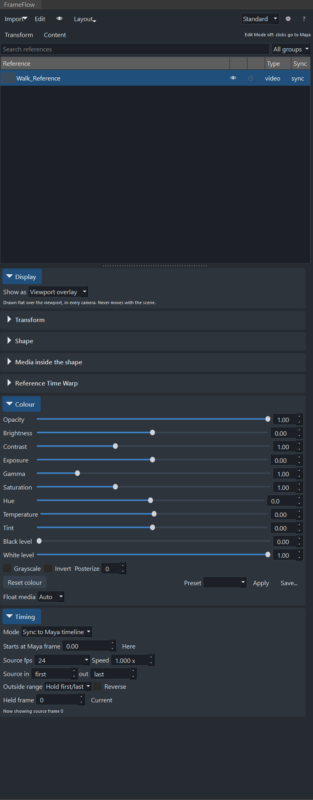
It puts your reference where you are already looking. References sit in the viewport, stay synchronised with Maya’s timeline, and can be retimed to match what you are animating. Reference Time Warp lets you adjust reference playback timing with an editable timing curve so the reference lines up with your shot rather than the other way round. FrameFlow also supports multiple references, which gives you room to compare different performances, camera angles or ideas.
The point of a video reference tool for Maya is to stop you switching applications. Pull the reference in, trim it to the range you care about, warp its timing to your shot, and adjust brightness or opacity until it reads over your viewport. Scrub, and it follows. When you need a second angle, load another reference alongside the first.
Autodesk Maya 2022 to 2027, using the appropriate compatible build. Supported video formats may depend on the available decoding components.
FrameFlow by Levent Ulas. See more animation plugins on Animworks.
Note: FFmpeg is needed for videos (not included, to keep the download small).
Download it free from https://www.gyan.dev/ffmpeg/builds/ (ffmpeg-release-essentials.zip), then copy ffmpeg.exe and ffprobe.exe into FrameFlow/bin. Images work without it.
No reviews yet
No reviews yet. If you have used it, you would be the first to say so.
Used this in a shot? Your notes help the next animator decide.
Sign in to reviewEvery plugin on Animworks is checked by our team before it goes live.
Questions and bug reports go straight to Levent Ulas, or email support@anim.works.
It lands in your downloads the moment you check out, and stays there.
 Review shots frame by frame
 Rigs, tools, courses and mentors
Current
 Boards and story beats
Coming soon