


Rocky, Project Hail Mary (Maya Rig)
FreeMaya





Crowd City LibraryThe Wild West LibraryHalloween LibraryAll Mocap


Demo Reel WorkshopCrafting a ShowreelFacial Animation Boot Camp






This rig runs on  5, a free rigging framework for Maya. Already installed? You are set. If not, it takes about two minutes.
Grab the latest release zip (8.2 MB). It is free and open source.
Download mGear 5.4.5 Released 6 Nov 2026Extract the folder somewhere you will keep it, such as your Documents folder.
Open Maya, drag the install script from the folder into the viewport and click Install.
drag_n_drop_install.py Reopen Maya and the mGear menu appears in the top bar. Then open the rig and you are ready to animate.
mGear is made by the mGear developers and is free and open source. Version and download link read from their GitHub releases page.
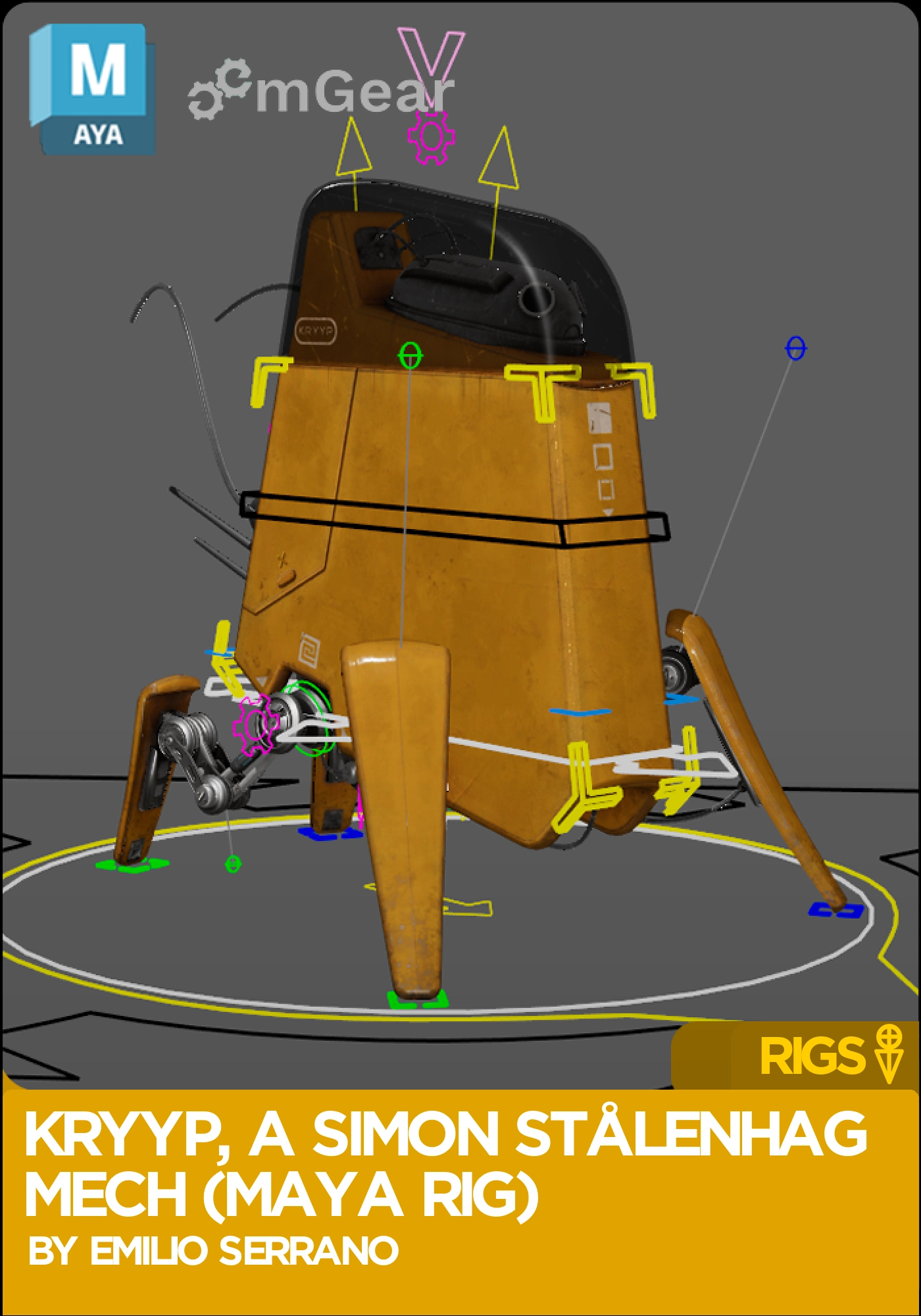
Mechanical quadruiped based on Simon Stålenhag mech concept.
Part of our free Maya rigs collection. Browse all 71 free rigs
 Maya
 mGear 5
Instant download Vetted creator
Everything the rig ships with. What you get on day one:
Built for Maya and ready to drop straight into your animation workflow.
Designed for real-world animation workflows, from blocking to final polish.

Free to download and use in your own animation work.
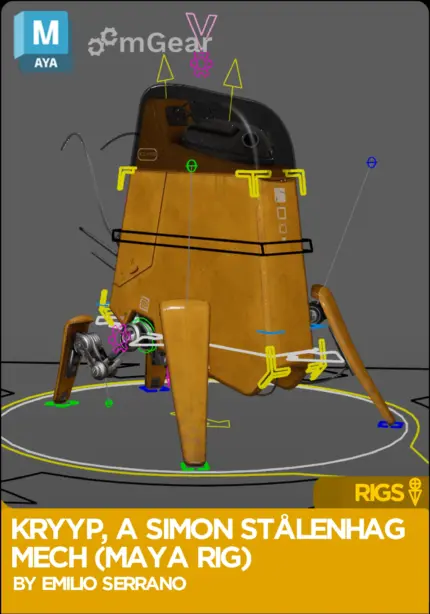
This Simon Stålenhag mech rig is free. Kryyp is a mechanical quadruped from the world of Simon Stålenhag, rigged on mGear 5 for Autodesk Maya. The legs are full IK/FK. There are plenty of details like cables, antennas and movable parts, and an eye lighting attribute. A custom anim picker holds every control, with shortcuts for space switching.
3D model and textures by Romain Lambert, after Stålenhag’s concept art. Rig by Emilio Serrano.
Animators who want a walker rather than a biped. A machine has no squash and stretch to hide behind, so weight and timing carry the shot. Use Kryyp for walk and run cycles, heavy landings, idle scanning, or any scene where a robot has to feel alive.
Four legs means four contact points to manage. With IK on the feet you can plant each leg and let the body carry the weight between them, then switch a leg to FK when it needs to arc through the air. Start with the body: block the up and down of the chassis and the shift of weight from side to side before you touch a single foot. On a machine like Kryyp, that heavy, slightly delayed settle is what sells mass.
The secondary parts are where the shot comes alive. Cables, antennas and movable parts each have their own control, so you can add a beat of follow-through after a stop, or a twitch of the antennas while the mech scans the horizon. The eye light gives you one more acting tool: dim it for a power-down, bring it up when Kryyp notices something.
If you are building a reel, a quadruped robot rig sits well next to your biped work. It shows you can handle weight, timing and overlap without relying on a face.
No facial rig and no props. The eye light is an attribute on the rig.
Looking for more characters to animate? Browse the full collection of free Maya rigs, or see everything else in the Animworks shop, from creature rigs to animation tools.
Yes. The rig is built on mGear 5, which is free and open source. Install mGear 5 in Maya 2024 or newer, load it, then open the scene.
No. Kryyp is a fan piece after Simon Stålenhag's concept art. The 3D model and textures are by Romain Lambert and the Maya rig by Emilio Serrano. It is shared free for animation practice.
Yes. All four legs have IK/FK switching, and the anim picker has shortcuts for it and for space switching, so you never have to hunt for the attribute.
Every control of the rig laid out in one panel, plus tools and shortcuts for space switches and selection, so you can animate Kryyp without touching the viewport controls.
Maya 2024 or newer with mGear 5 loaded. There is no facial rig: the eye is a lighting attribute on the rig.
No reviews yet
No reviews yet. If you have used it, you would be the first to say so.
Used this in a shot? Your notes help the next animator decide.
Sign in to reviewEvery rig on Animworks is checked by our team before it goes live.
Questions and bug reports go straight to Emilio Serrano, or email support@anim.works.
It lands in your downloads the moment you check out, and stays there.
Animating with Kryyp, a Simon Stålenhag Mech (Maya Rig)? Post your shots in the Discord, ask Emilio Serrano a question, or tell us what you would want in the next version.
 Review shots frame by frame
 Rigs, tools, courses and mentors
Current
 Boards and story beats
Coming soon