














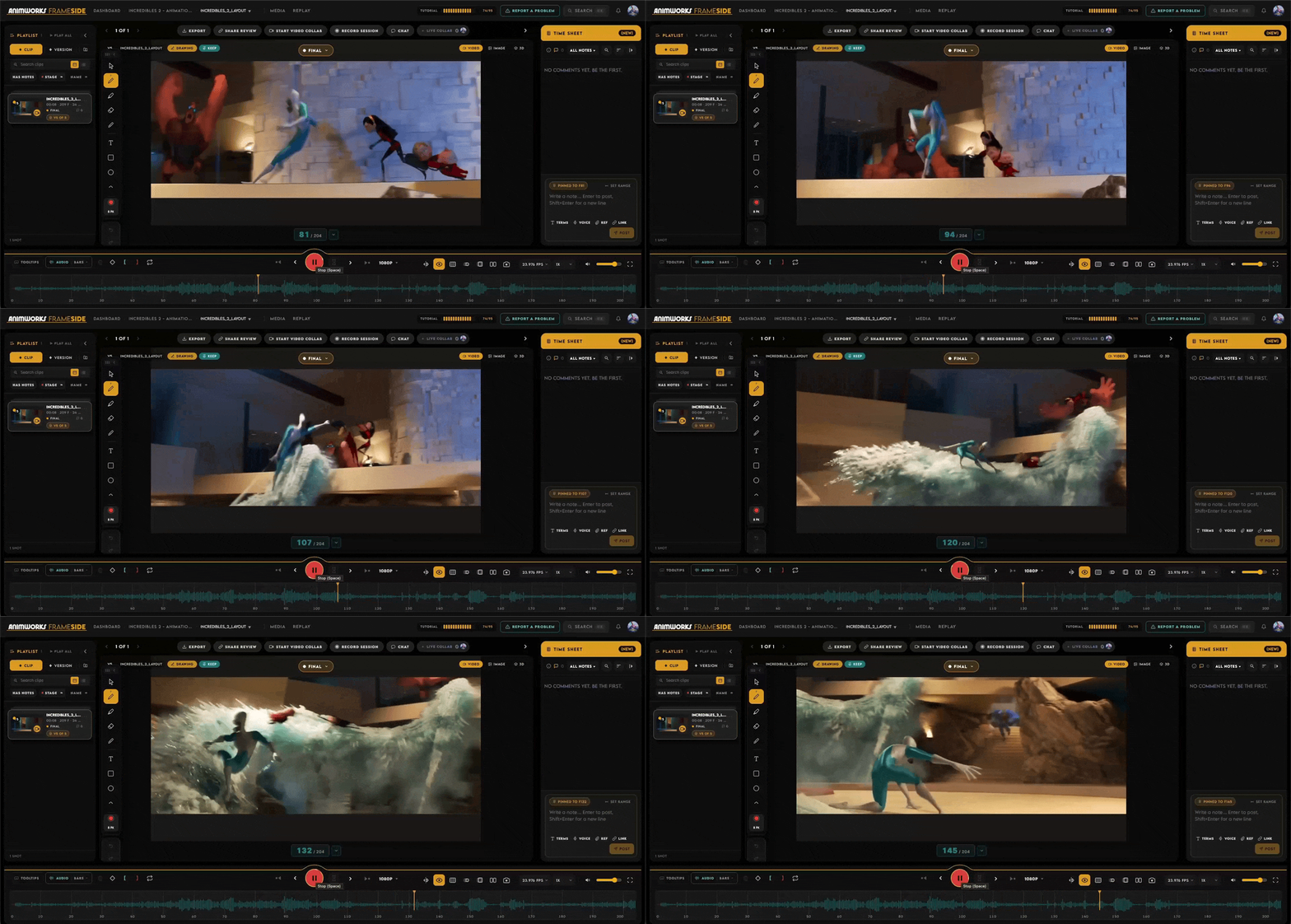
This shot from Incredibles 2 by Andrew Gonzalez is a masterclass on how to animate an action shot.
There are 3 elements in particular that we can take from it and that will make ANY scene more impactful and dynamic:
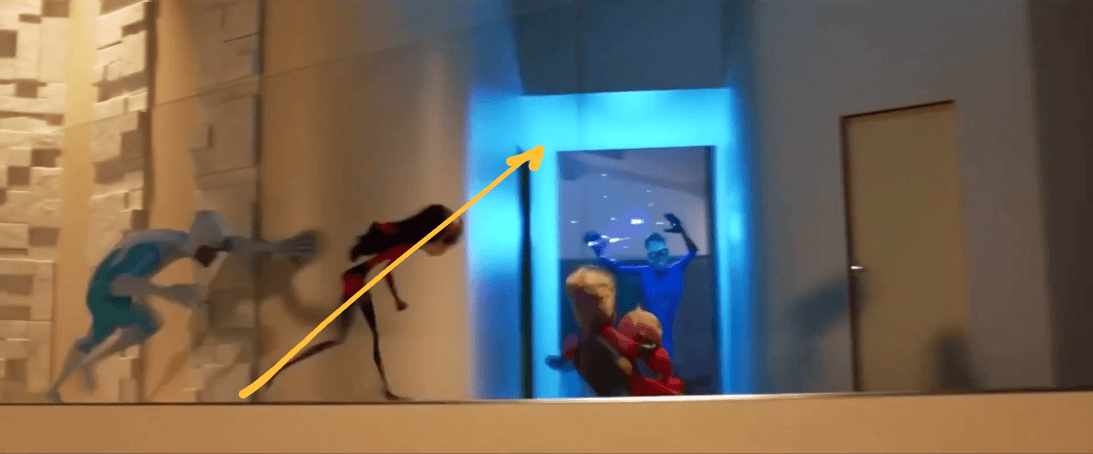
- Line of Thrust (a.k.a. the line of action)
It’s an imaginary line that runs through the main axis of the character and that summarizes the intent and the direction of a pose. Having a clear, strong line of action is crucial in an action shot, and in this scene we have some great examples of this, especially in the running poses.
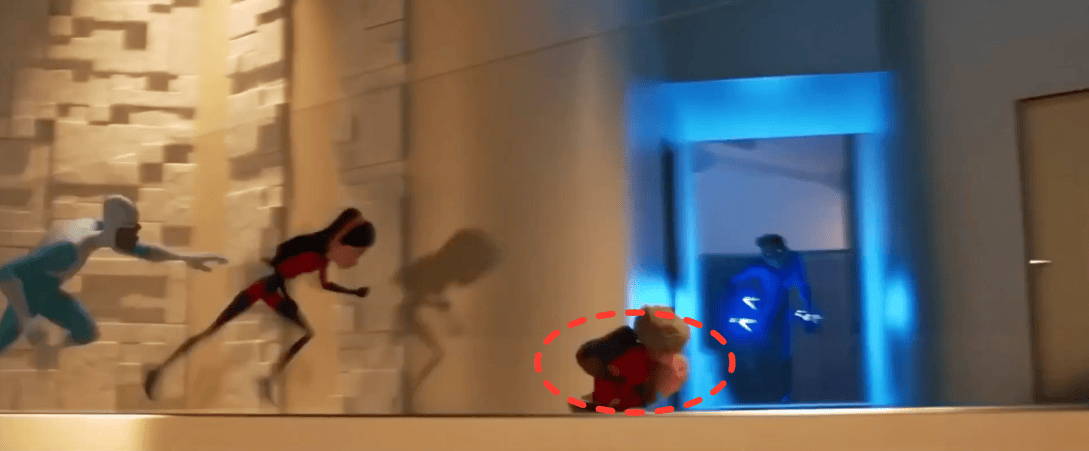
- Squash and Stretch
Having a good contrast between the antics and the push poses in an action shot makes everything more dynamic
And even if when you stop at one frame, poses might look a bit “too pushed”… it’s the final result and the overall feeling that matters!
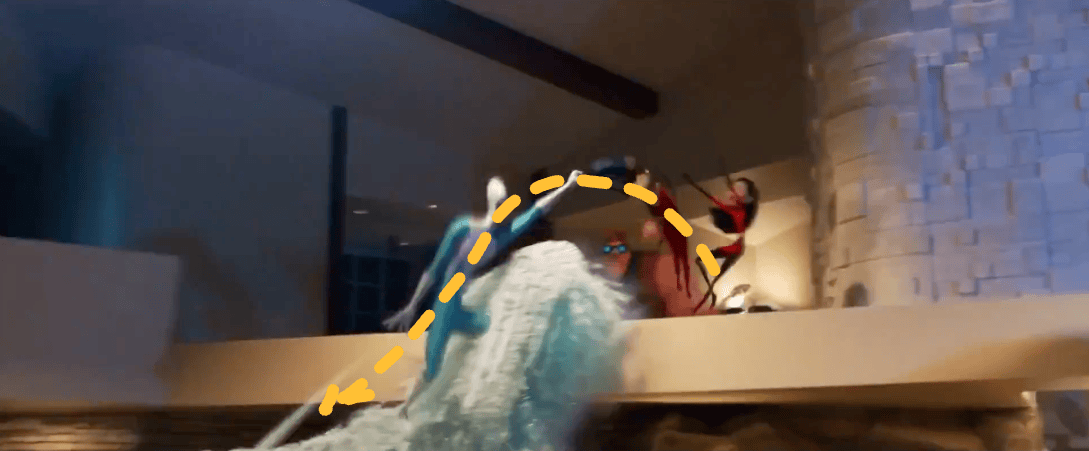
- Organic Arcs
Especially when shots get complex like in this case, with multiple characters, “organizing” your action through arcs and organic paths becomes crucial. It makes the choreography so much cleaner and more appealing.
These are the elements that we should all keep in mind when animating action scenes, and if you want to know more, watch our first animation breakdown by clicking here!
To break this shot down, we used FrameSide with all its features, of course!
FrameSide is the only review tool co-created with the help of over 100 animators. They packed into it everything students, mentors, freelancers, and studios may need day-to-day.
We will launch it in just a couple of weeks, and to celebrate, we’re hosting a WEEK-LONG LIVE event on the Animworks YouTube channel!
Every single day from the 23rd of November to the 27th, we will invite a pro animator to break down some of their professional work, but also to give you FREE feedback!
If you want to reserve your spot early and have your reel or a shot you are working on reviewed by an industry veteran, just click the button below! ↓
P.S. And don’t forget to subscribe to our channel to avoid missing future events, tutorials and animation breakdowns!
PLUS! Two new rigs are now available on Animworks, and as always, we’ve carefully selected the best to allow you to animate incredible shots!
Here they are! 👇
A NEW simple and versatile character for your body mechanics shots!
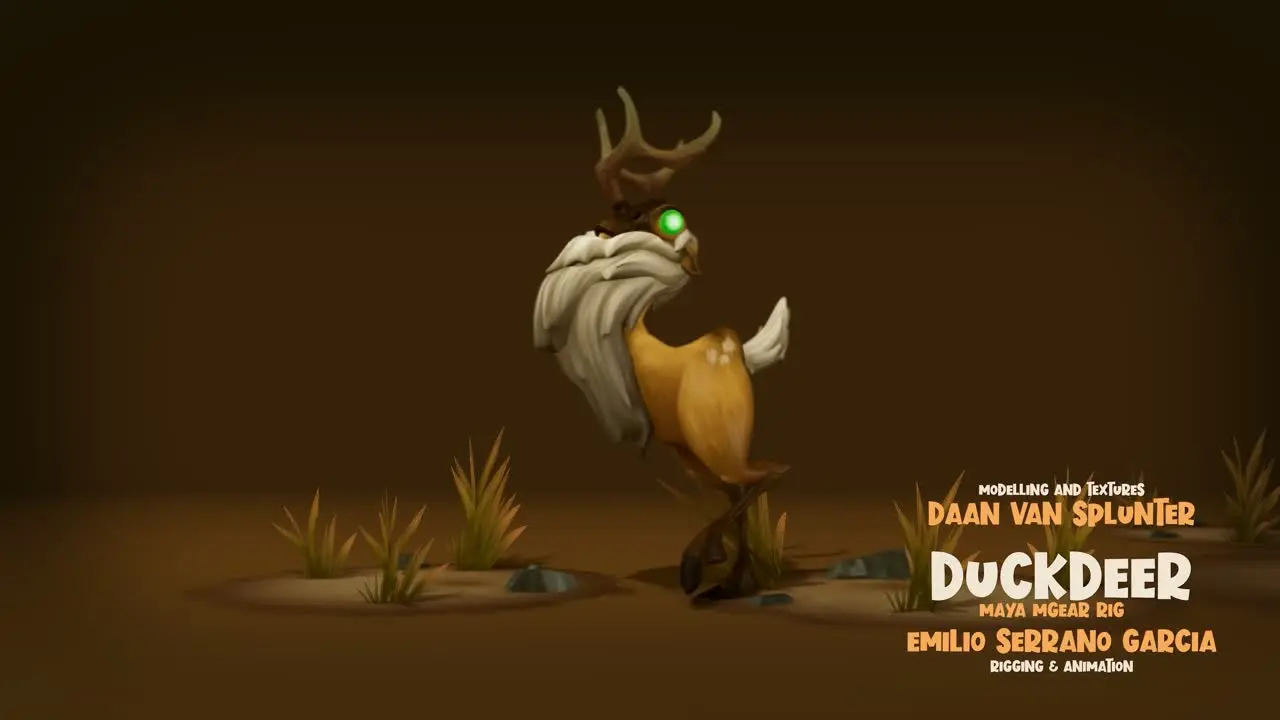
Make your reel stand out with this production-quality Maya rig by Emilio Serrano, based on the popular Playdead’s game, Inside!
A simple mGear rig with a lot of detail (such as sleeves, trousers, hair) and a basic but effective head control for achieving appealing poses and strong silhouettes.
Ideal for stylised animation (without being distracted by the facial controls), with emphasis on kid animation studies (something you don’t usually see in demo reels!).
It includes a full AnimPicker and a Human IK version for motion capture workflows.
Check it out here! ↓
Create a Spider-Verse-worthy shot with this web generator
Quickly create detailed spider webs, customize their appearance, and bring them to life with animation controls.
This is a procedural Spider web generator and rigging tool for Maya with:
- 8 unique web looks
- 5 material presets & custom colors
- Surface Conform for realistic placement
- Web Rig Mode for animation
- Adjustable web density and strand properties
- Clean, artist-friendly interface
Discover this FREE tool by clicking down here ↓
Related posts

How to get your animation reviewed by a pro for free!
We will host a HUGE event on the new Animworks Channel!
We know it’s a tough time in the industry, so we want to give you the uniqu...

All the Open Roles in the Animation Industry in One Place – StudioWatch!
Animation jobs are scattered everywhere. So we built StudioWatch
In the current state of the industry, more and more artists are loo...
Artist Highlight: Laura Lico (Moss : Book II)

/* Hallmark · component: in-post callout (after ruixen banner-newsletter, rebuilt plain CSS) · genre: editorial · theme: Animwo...

Keyframe Is Now FrameSide: Why We Renamed Our Animation Review Tool (Plus the New Animworks)

Keyframe is now FrameSide. Why we renamed our free animation review tool, and a tour of the rebuilt Animworks homepage: live numbers, three doors, real best sellers, and a page for studios.
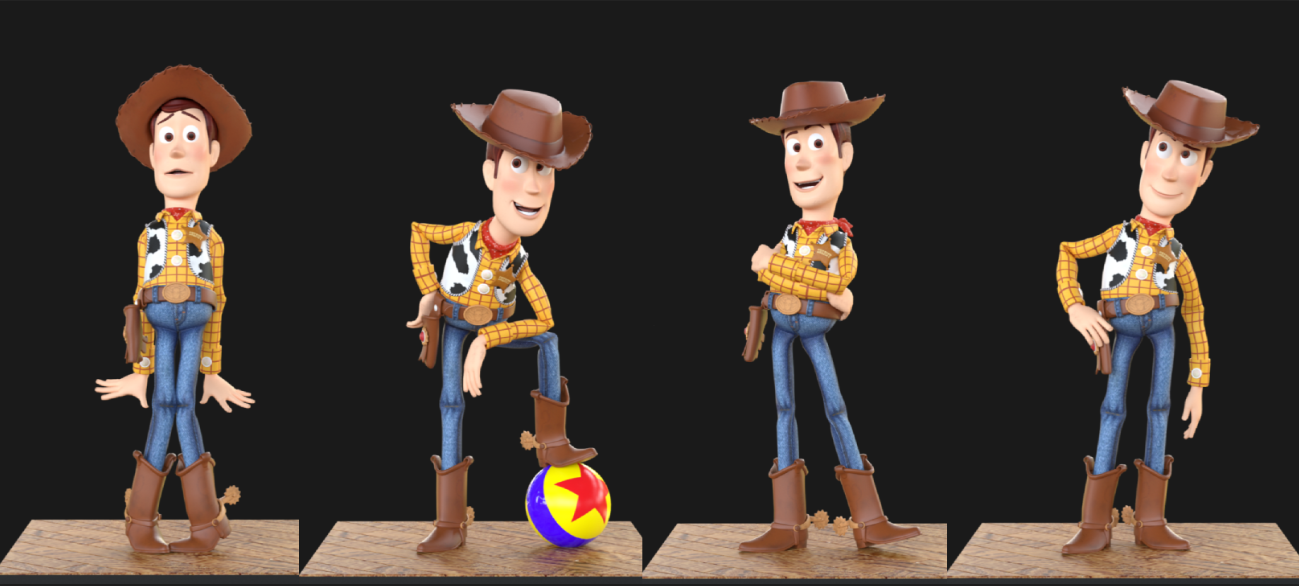
What You Can Learn From… Woody ! Reading Silhouette Like a Pro
Five poses from Toy Story, broken down shot by shot, and how to rebuild each one on the free Woody rig for Maya.
Run Cycles: How to Animate a Run Cycle in Maya
.awart{--ink:#F2F0EA;--dim:#F2F0EAAD;--rule:#F2F0EA24;--gold:#E4AC01;--on-gold:#141414;--panel:#1F1F1F;}
.awart .awart-facts{di...
Walk Cycles: How to Animate a Walk Cycle in Maya
.awart{--ink:#F2F0EA;--dim:#F2F0EAAD;--rule:#F2F0EA24;--gold:#E4AC01;--on-gold:#141414;--panel:#1F1F1F;}
.awart .awart-facts{di...
Art of the Hold
Keeping Stillness AliveThere's a moment in animation that trips up a lot of people, and it's not a complex breakdance or a tricky overl...
SKILL BOOSTER: Mastering your silhouette
Silhouette is the first language of animation. A pro game animator breaks down line of action, weight, negative space and the workflow behind poses that read instantly.

Animating, exploring, starting over for twenty years
After twenty years in an animation career, Vanessa Rufra reflects on passion, burnout, starting over, and what truly keeps you moving forward in this industry.
Timing & Spacing
Timing and Spacing in Animation: Why Spacing Is So Important
Every animation textbook pairs them together. Spacing and timing....
Meet the Speakers: How to Break Into the Animation Industry
For anybody out there that is trying to break into the animation industry right now, this one is for you. This Thursday, May 21 at 10 A...