Timing and Spacing in Animation: Why Spacing Is So Important
Every animation textbook pairs them together. Spacing and timing. Timing and spacing in animation. They show up as a duo, like they’re equally important, like you can’t have one without the other. And honestly, that’s not wrong. You can’t. But there’s a real difference between the two that took me time to wrap my head around.
Timing is what you reach for first. It’s intuitive. It’s measurable. It makes sense before you even know what animation is.
Spacing is the thing that actually makes your work feel alive.
What Is Spacing?
Timing and Spacing are two related, but different things.
Timing is the number of frames an action takes. It’s duration. A ball drops over 12 frames, a character turns their head over 8, a punch lands in 4. That’s timing, it’s the clock.
Spacing is how your poses, or in the case of a bouncing ball, your drawings, are distributed across those frames. Are the positions evenly spread out? Clustered near the end? Packed tight at the start and stretched thin toward the middle? That distribution is spacing, and it’s what determines whether something reads as slow and floaty, or fast and snappy, or heavy and has mass.
Same number of frames. Completely different feel.
That’s the power of spacing.
Why Timing Gets All the Attention
Timing is easy to talk about. You can put a number on it. Twelve frames. Eight frames. It’s concrete. When you’re learning animation, concrete is comfortable. You can adjust timing in your software by shifting your keyframes wider or closer. You can count it. You can feel it pretty quickly when something is “too slow” or “too fast.”
There’s also a reason timing gets so much stage time in education: it matters a lot. A character reaction that takes two seconds when it should take half a second will read as confused or unintelligent. A comedic beat held a couple of frames too short loses its punch. Timing is real. Timing is important.
But timing is also, in many ways, the easier problem to solve. Once you’ve done it a few hundred times, you develop an instinct for duration. You know roughly how many frames a surprised movement should take. You know when a walk cycle is dragging. That knowledge builds fast.
Spacing, though, takes longer to learn. It’s less obvious. And the reasons why getting it wrong are harder to articulate.
What Spacing Actually Does
When spacing is off, animators often describe the result as “floaty” or “mechanical” or just “something feels wrong.” It’s the kind of note that comes out of a review session where you can’t quite put your finger on the problem, but the motion doesn’t feel right.
What’s usually happening is that the spacing doesn’t quite match the physics or the intention of the movement.
Let’s take a simple example. A character’s arm swings up to point at something. If the spacing eases in and eases out symmetrically and smoothly, the arm looks like it’s being moved by a machine. Perfectly controlled. Mechanically even. But no one moves like that. When you point at something, there’s usually a push of energy, the weight of the arm dragging it back, a deceleration near the end, maybe a small overshoot. The spacing tells that story. The timing just gives you the container to put the story in.
Or think about weight. A heavy object doesn’t ease in gradually. It resists, and then it commits. The spacing can be slow at the start (if the object is heavy), compressed and reluctant, then it opens up fast as momentum takes over. You could time that object over 20 frames and it would still feel light if your spacing doesn’t reflect the physics of mass. The timing wasn’t wrong. The spacing was.
How to Control Spacing
This is where we get practical, and it’s also where a lot of animators underestimate how much control they actually have.
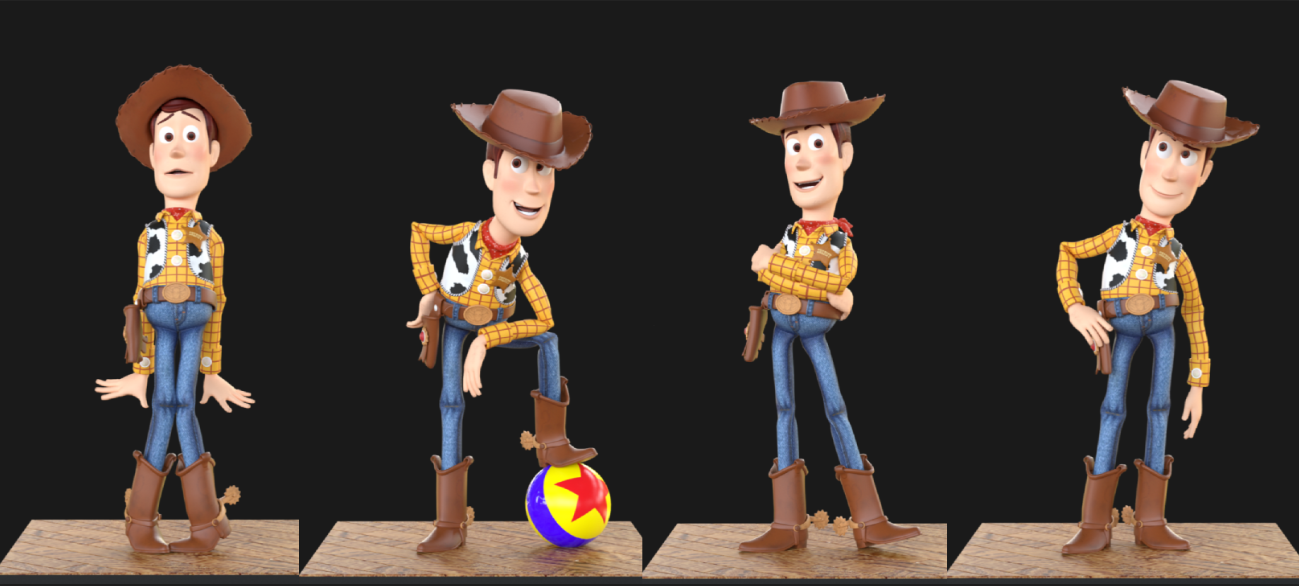
Breakdowns are probably the most direct tool you have (and, arguably, the most enjoyable). In a 3D workflow, once you’ve blocked your key poses, the software will interpolate between them however it sees fit, and it’s almost never what you want. A breakdown is a pose you place between two keyposes, not to define a new position necessarily, but to push the interpolation toward where you want it. If you have a character throwing a punch and the motion from wind-up to contact is reading as too even, you can drop a breakdown closer to the final punch pose. Now the majority of the motion is happening in near the start of the action, and suddenly the punch snaps. That’s spacing. You changed it with a single pose.
The placement of the breakdown in time, and the actual position of that breakdown pose in space, are doing two different jobs at once. The frame you put it on controls the tempo of the spacing. The pose itself controls what the character is doing mid-move, the shape, the arc, the line. Both matter, and you can adjust them independently.
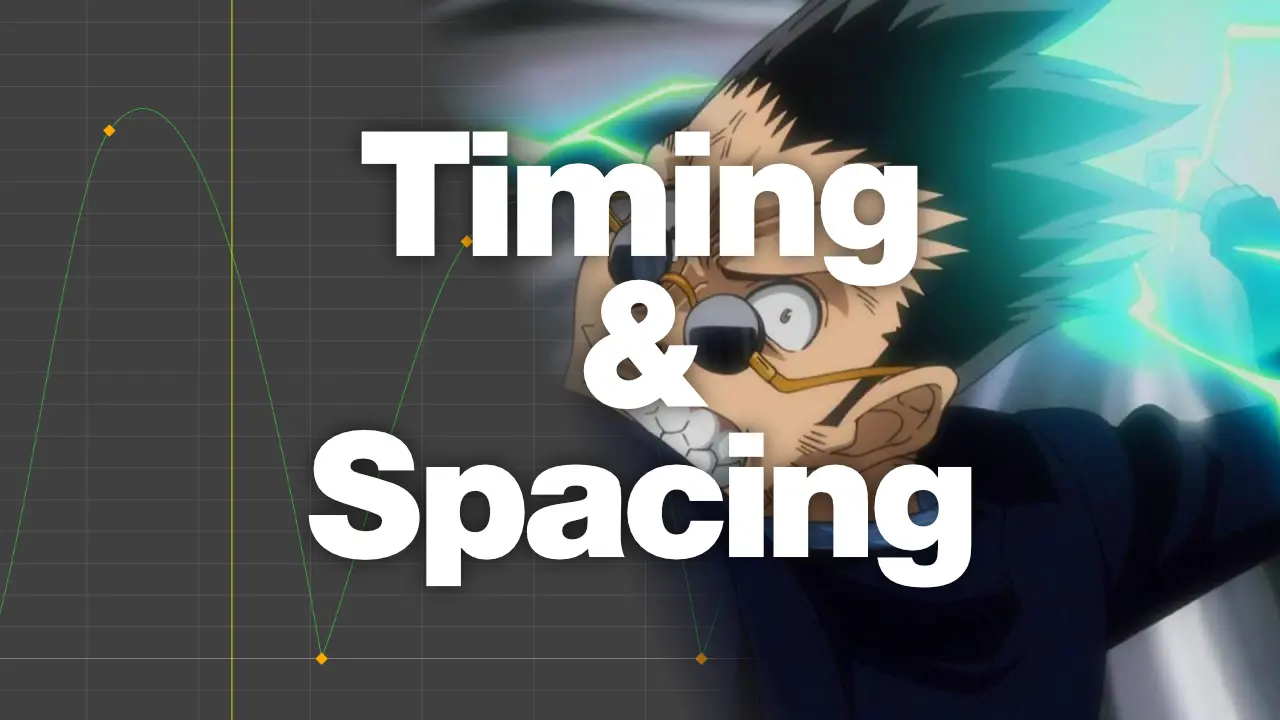
The Graph Editor can give you more granular control. Most 3D software lets you manipulate the interpolation curves between keys directly. A flat curve means slow movement. A steep curve means fast movement. The shape of that curve between two keyframes is, functionally, your spacing. Ease in, ease out, linear, overshoot, all of that is curve manipulation. Where breakdown poses give you broad control over the larger shape of the movement, the graph editor is where you fine-tune the feel frame-by-frame without needing to add more keys. Using the graph editor in this way may keep your dopesheet/timeline clean, but it can also introduce unwanted movement if used solely, as adjusting key tangents will affect motion before the keyframe as well as after.
Some animators, though, live in the graph editor. Others barely touch it and do most of their work through breakdowns and stepped/spline workflow adjustments. Both approaches work, but I use a hybrid of both. The underlying principle is the same either way: you’re deciding how much of the total displacement happens in each section of the move.
In traditional and 2D animation, spacing is controlled through the drawings themselves, and the dopesheet that tells the inbetweener where to place each drawing. An animator will draw the extreme poses and a breakdown, using the chart to communicate the timing of those key drawings. The breakdown, its position in space and where in time it sits, is one of the most important decisions in the whole move. Too close to the first pose, and the character will slow out. Too close to the second, and it’ll slow in. Right in the middle, and it’ll feel mechanical.
In any medium, the logic is the same. You’re deciding where the “life” lives within the time you’ve given it.
It Gets Interesting in Game Animation
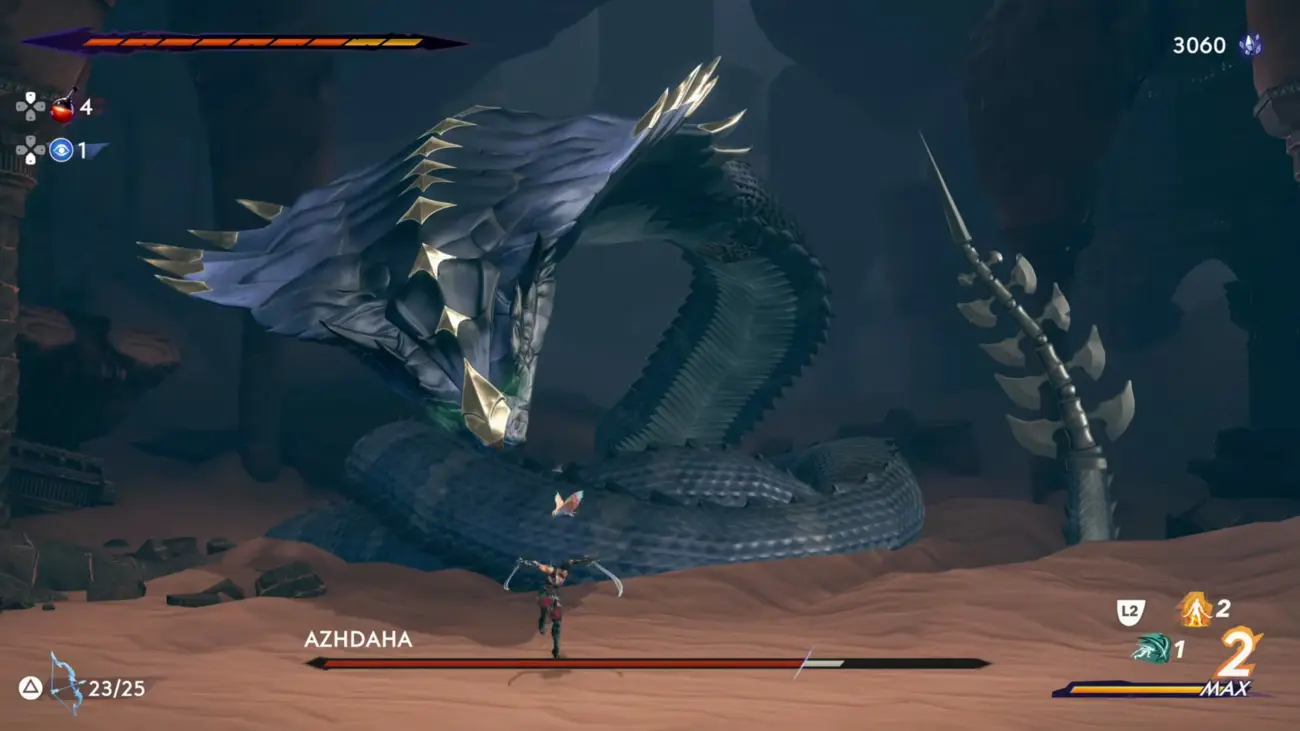
If you work in games, the conversation gets a bit more complicated, because a lot of your “timing” is actually being determined by the game engine, the blend tree, the transition logic, and game design. You may not always have full control over how long a transition takes. The system might blend your run cycle into your idle over a fixed number of frames, regardless of what you intended.
Of course, outside of blends and transitions, timing of actions do matter and can be controlled by the animator, for the most part. But if design asks for the action to be faster or slower, well, the animator must do what’s necessary and make the motion feel as great as they can, within those design constraints.
But your spacing? That lives inside the action itself, whether the timing is determined by gameplay or not. The way your character’s reacts to a hit, how much weight a sword swing needs to show, how lively and agile a character is on a jump. Those are communicated within the space of the keyposes. Code or design can change when or the general speed of how actions occur. They can’t change how the movement is distributed within those poses.
This is one of the reasons spacing deserves more emphasis in game animation specifically. The timing is often out of your hands. The spacing almost never is.
How to Train Your Eye
Instead of thinking about spacing as a polish step, build it into your initial planning, your blocking stage. A lot of animators block in their poses first, get the timing feeling okay, and then treat spacing as something to tune at the end. Ease in, ease out, done.
If you start thinking about what the spacing should be doing from the beginning of your blocking pass, something changes. You start asking a different question earlier: not “how long does this take” but “where is the energy in this movement, and how does the distribution of poses communicate that?”
Reference footage helps here, but not in the way it’s usually used. Instead of matching the timing of what you see, try to read the spacing. Where does the movement accelerate? Where does it resist? Where is it almost stopped before it explodes into the next thing? That’s the information that carries over into your work.
Bouncing ball exercises exist for a reason, and it’s not because they’re a rite of passage. It’s because you cannot fake the spacing on a bouncing ball. The weight and energy are entirely communicated through where the drawings are. There’s no performance, no lipsync, no character to hide behind. It’s just spacing, doing all the work.
Both Still Matter
I’m not saying timing doesn’t matter. Of course it does. If you’ve got great spacing on an action that’s three times too slow for the context, it still won’t work. The two operate together, always.
But if I had to choose one to spend more time studying and practicing, it’s spacing. Timing you’ll learn to feel through experience pretty quickly. Spacing is something you keep refining for a long time. I’m still working on it. Most animators I look up to are still working on it too.
What are your workflows to getting your spacing just right? Do you have any tips to share about applying spacing? What’s your thought-process? Would love to hear other animators’ thoughts on this!