





Crowd City LibraryThe Wild West LibraryHalloween LibraryAll Mocap


Demo Reel WorkshopCrafting a ShowreelFacial Animation Boot Camp





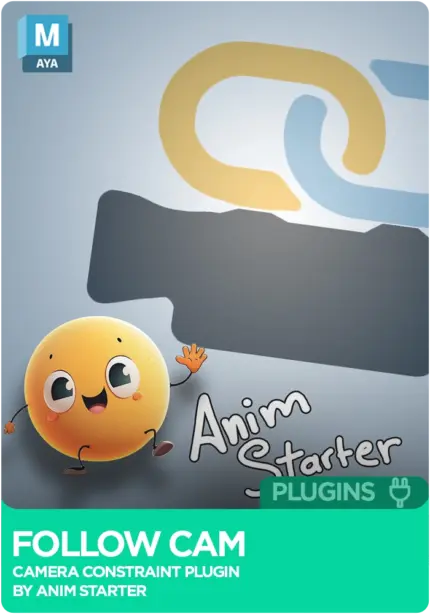
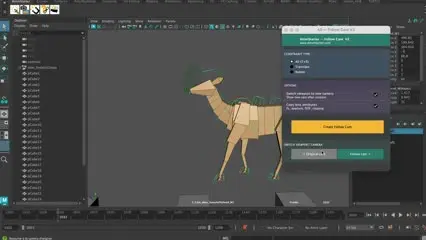
FollowCam (AS_FollowCam) by AnimStarter is a Maya script that keeps your camera on your character. Select a controller, hit create, and you get a new camera constrained to it that copies your viewport camera's lens settings. Choose how it follows, flip between cameras with one click, and stop tumbling the viewport mid-shot. For animators working on fast action, body mechanics and creature shots.
Instant download Vetted creator
One big step and you are tumbling the viewport to catch up. FollowCam builds a camera constrained to the controller you pick, so the character stays in shot.
Focal length, aperture, depth of field and clipping planes are copied from your current viewport camera, so the follow cam looks the same as the view you dialled in.
A toggle UI flips between your original camera for the wide shot and the follow cam for detail, in one click. It can also switch to the new camera as soon as it is created.
Built by an animator who got tired of fighting the viewport on body mechanics, creature work and complex action shots. You get one create button and a choice of how the camera follows. Lock it fully for a run cycle where the camera glides alongside the body, or track rotation only for a vehicle shot that just needs to face the right way.
Select a control, hit create, and a custom camera is constrained to it.
Copies focal length, aperture, depth of field and clipping planes.
Fully locked, following both position and rotation.
The camera travels with the character without turning.
Tracks rotation, for shots that only need to face the right direction.
Flip between your original camera and the follow cam.
Optionally jump into the new camera the moment it is built.

Drag INSTALL_AS_FollowCam.mel into your Maya viewport.
Close and reopen Maya so the shelf loads.
FollowCam is sitting on the AnimStarter shelf, ready to go.
No reviews yet
No reviews yet. If you have used it, you would be the first to say so.
Used this in a shot? Your notes help the next animator decide.
Sign in to reviewEvery plugin on Animworks is checked by our team before it goes live.
Questions and bug reports go straight to AnimStarter, or email support@anim.works.
It lands in your downloads the moment you check out, and stays there.
 Review shots frame by frame
 Rigs, tools, courses and mentors
Current
Rigs, tools, courses and mentors
Current
 Boards and story beats
Coming soon
Boards and story beats
Coming soon