Vectorify - Maya Plugin
FreeMaya





Crowd City LibraryThe Wild West LibraryHalloween LibraryAll Mocap


Demo Reel WorkshopCrafting a ShowreelFacial Animation Boot Camp





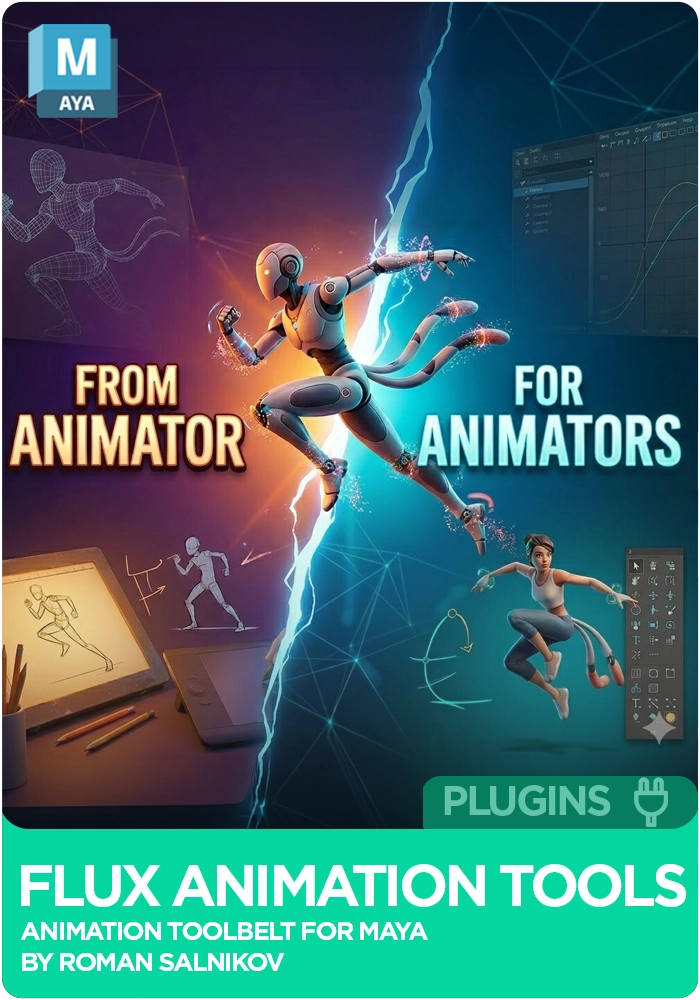
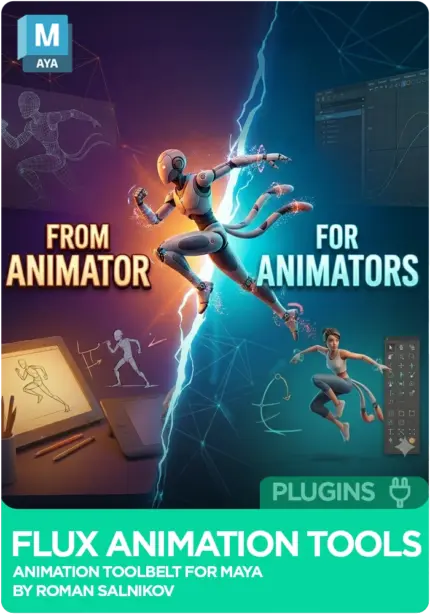
Flux Anim Tools is a Maya plugin for animators that cuts the repetitive work out of posing, timing and spacing. It gets two characters following each other, creates overlap that stays easy to manage, and lets you change a character's pivot. It works directly inside Maya without breaking your existing workflow, from early blocking to final polish, on gameplay, cinematics and production work.
 Maya
MayaInstant download Vetted creator
Getting one character to follow another is a setup job before it is an animation job. Animation Links gets two characters following each other from the plugin.
Keying overlap by hand is slow to build and slower to change. Flux Anim creates smooth overlap for you and keeps it easy to manage.
When a character needs to move from a different point, Flux Anim lets you change the pivot of your characters without leaving your shot.
The plugin is aimed at iteration speed: faster adjustments, fewer repetitive tasks and more control over posing and timing, so the time goes into performance rather than technical overhead. The demo videos cover links, applying overlap, temporary IK and bounce.
Get two characters to follow each other.
Smooth overlap that stays easy to manage.
Change the pivot of your characters.
Covered in its own Flux Anim demo.
Covered in its own Flux Anim demo.
Speeds up posing and keyframe workflows.
Streamlines timing and spacing for cleaner motion.
Helps keep animation consistent from blocking to polish.
No reviews yet
No reviews yet. If you have used it, you would be the first to say so.
Used this in a shot? Your notes help the next animator decide.
Sign in to reviewEvery plugin on Animworks is checked by our team before it goes live.
Questions and bug reports go straight to Flux Anim Tools, or email support@anim.works.
It lands in your downloads the moment you check out, and stays there.
 Review shots frame by frame
 Rigs, tools, courses and mentors
Current
Rigs, tools, courses and mentors
Current
 Boards and story beats
Coming soon
Boards and story beats
Coming soon