





Crowd City LibraryThe Wild West LibraryHalloween LibraryAll Mocap


Demo Reel WorkshopCrafting a ShowreelFacial Animation Boot Camp





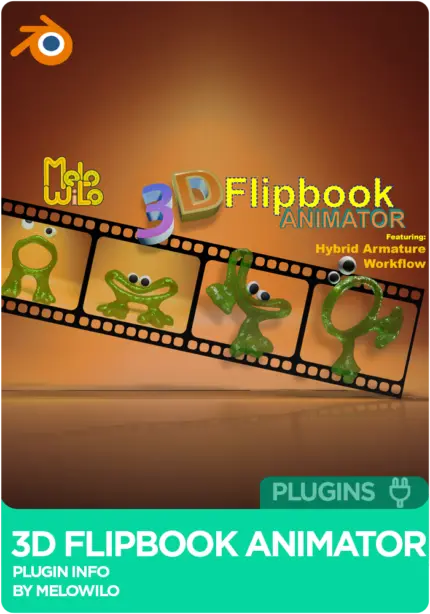
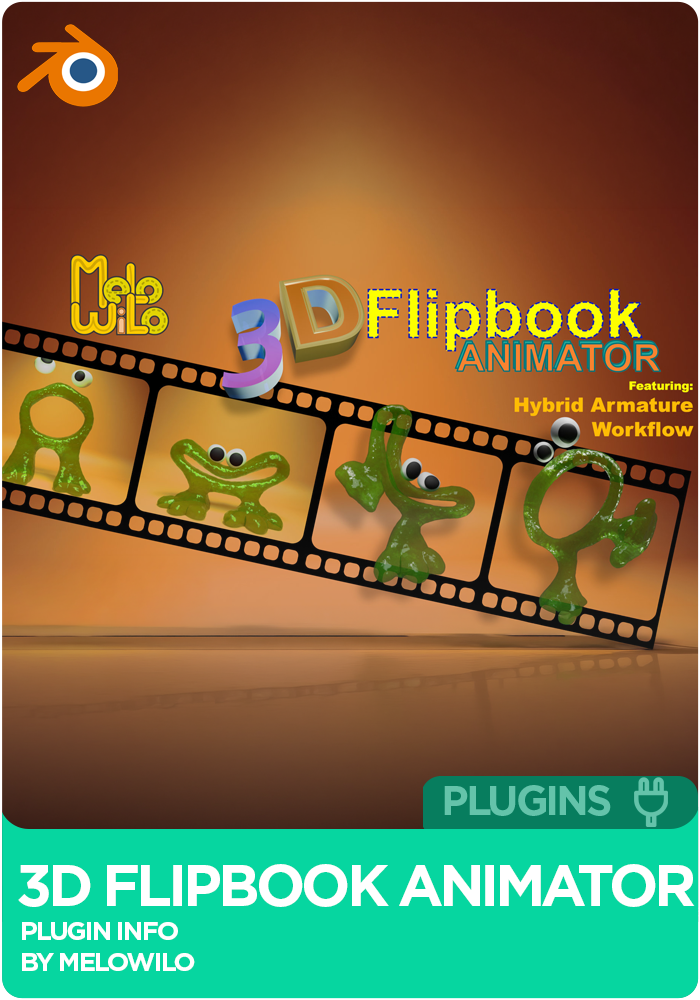
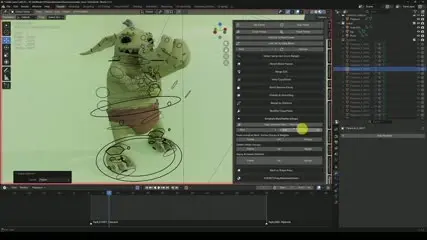
3D Flipbook Animator is a Blender flipbook addon by Wilhelm Ogterop (Melo Wilo) for stop-motion style, frame-by-frame animation in 3D. It plays a collection of meshes back in sequence, then gives you the tools to sculpt, morph and edit every frame, including the Hybrid Armature Workflow, where you sculpt keyframes while the rig still drives the pose. Export to Alembic, USD or Shape Keys. Blender 4.2 through 5.2, with over 2 hours of tutorials.
 Blender 4.2
Instant download Vetted creator
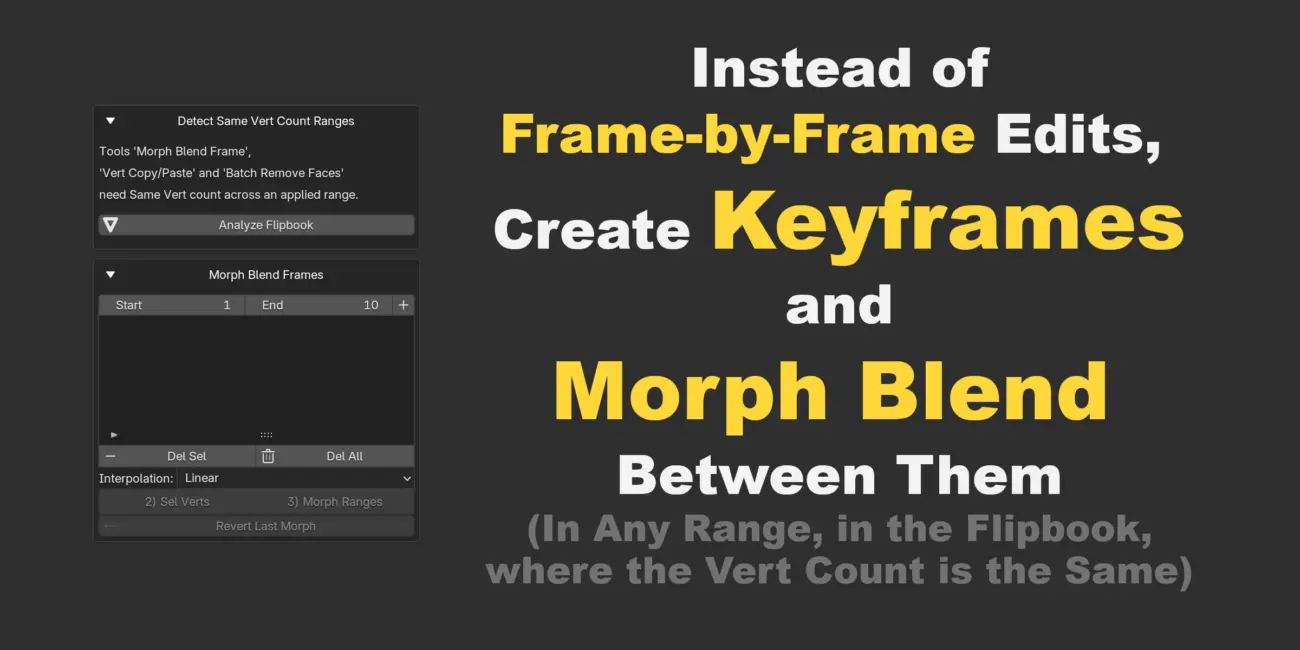
Blender is strong at rig-driven animation, not stop-motion style work. The addon turns a collection of meshes into one Geometry Nodes object that shows a mesh per frame, and Morph Blend Frames inbetween where you want smoother timing.
The Hybrid Armature Workflow runs both systems at once: the armature drives locomotion and body mechanics while you sculpt keyframes for the face, fabric folds or anything the rig alone cannot reach.
Anything that can be snapshotted becomes a flipbook, and every editing tool then works on it. Pull in a simulated sequence or an Alembic cache and fix the one frame that is wrong.
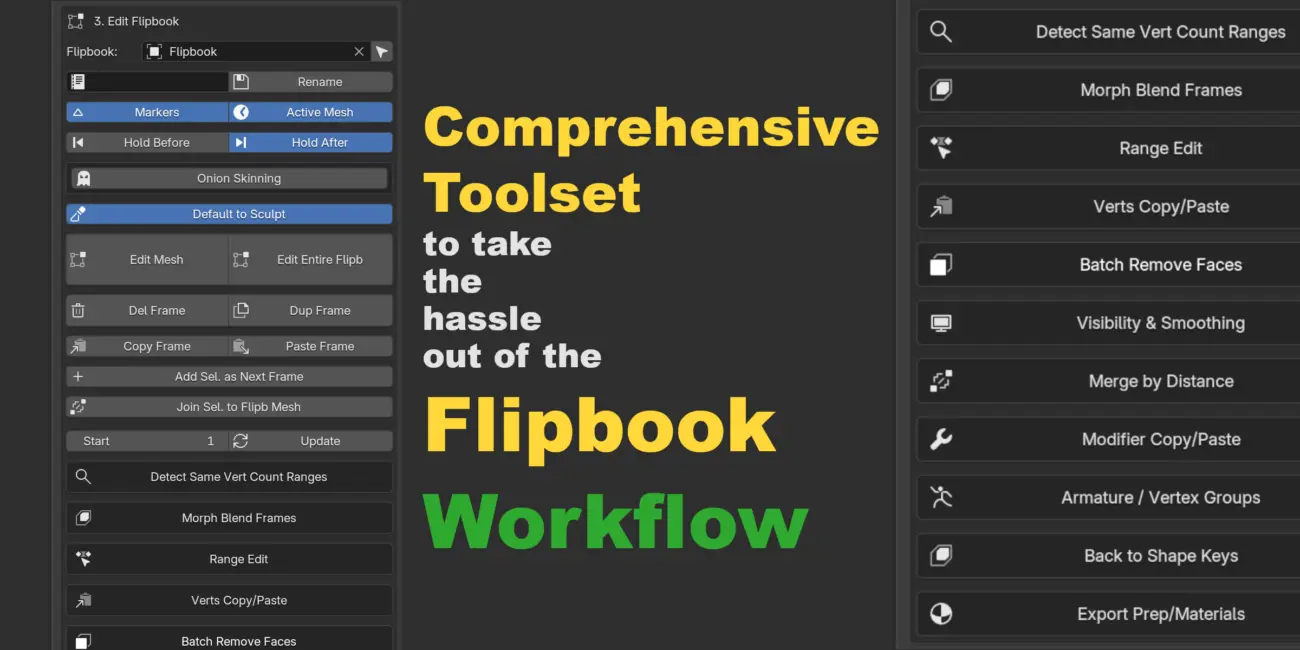
Melo built the addon because he needed it on his own project: something that could work in any style around the flipbook idea, at speed. The core mechanism is simple, a collection of meshes played back in sequence. On top of it sits a full toolset for converting, sculpting, morphing, retiming and exporting, and the 2 hours of tutorials are split into chapters so you can jump straight to the tool you need.
Converts any collection of meshes into one Geometry Nodes driven object that updates per frame. Merge two flipbooks, geometry and materials, into a new sequence.
Snapshots animated meshes, Curves, Metaballs and Text into sequential frame-by-frame meshes.
An Edit Mesh toggle handles visibility for you, so you can sculpt or model single frames while scrubbing, or put the whole flipbook into Edit Mode at once.
A GPU-accelerated overlay shows ghosts of the previous and next frames in red and green, wireframe or solid.
Interpolates vertex positions between two frames across a range, with Linear, Ease In and Ease Out options. Topology Analysis finds the ranges with matching vertex counts.
Copy and paste vertices in local or world space, paste relative to a stored baseline, and blend the paste with a 0 to 100% influence slider.
Delete, Duplicate, Reverse or Ping-Pong a frame range. Hold Before and Hold After fill time around the flipbook, and start and end markers are added for you.
Copy vertex groups and weights onto the whole sequence, bake armature poses into the mesh with Apply Deforms, and paste a modifier stack across a range.
Converts a multi-object sequence into one mesh with keyed Shape Keys, from every frame, every Nth frame or the frames you pick.
Bake Mode switches off the visibility logic so Alembic and USD exports do not crash. Batch apply and sync materials, or split the flipbook by material.
No reviews yet
No reviews yet. If you have used it, you would be the first to say so.
Used this in a shot? Your notes help the next animator decide.
Sign in to reviewEvery plugin on Animworks is checked by our team before it goes live.
Questions and bug reports go straight to Melo Wilo and Wilhelm Ogterop, or email support@anim.works.
It lands in your downloads the moment you check out, and stays there.
 Review shots frame by frame
 Rigs, tools, courses and mentors
Current
Rigs, tools, courses and mentors
Current
 Boards and story beats
Coming soon
Boards and story beats
Coming soon