





Crowd City LibraryThe Wild West LibraryHalloween LibraryAll Mocap


Demo Reel WorkshopCrafting a ShowreelFacial Animation Boot Camp





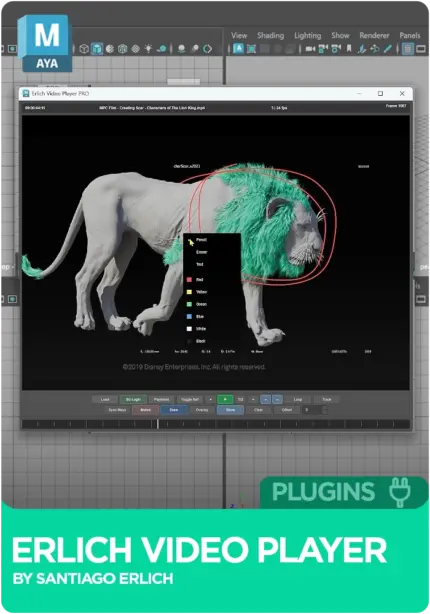
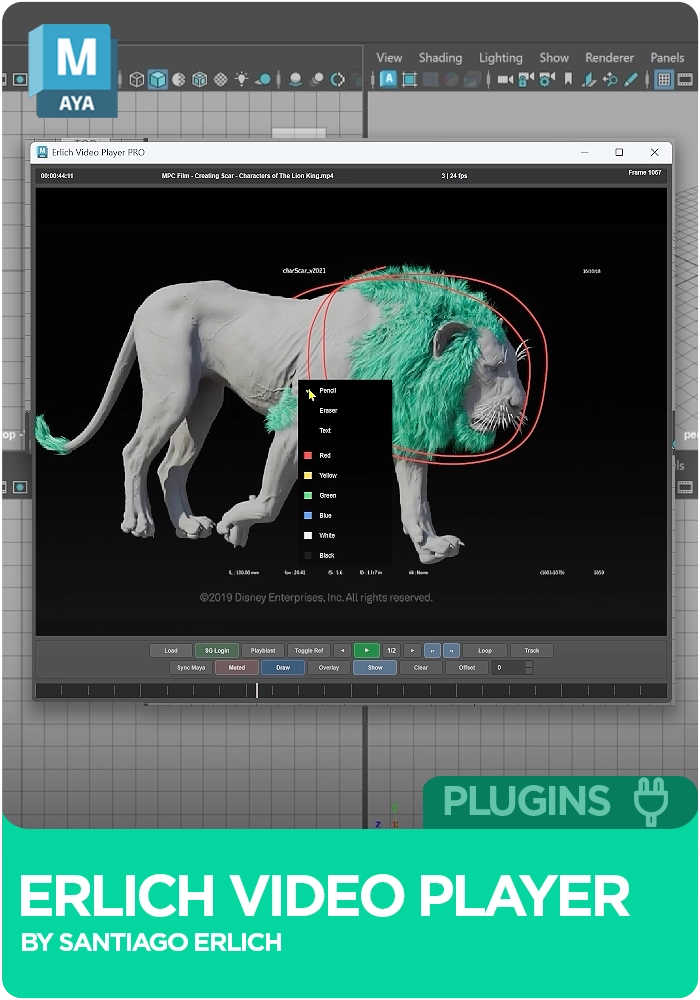
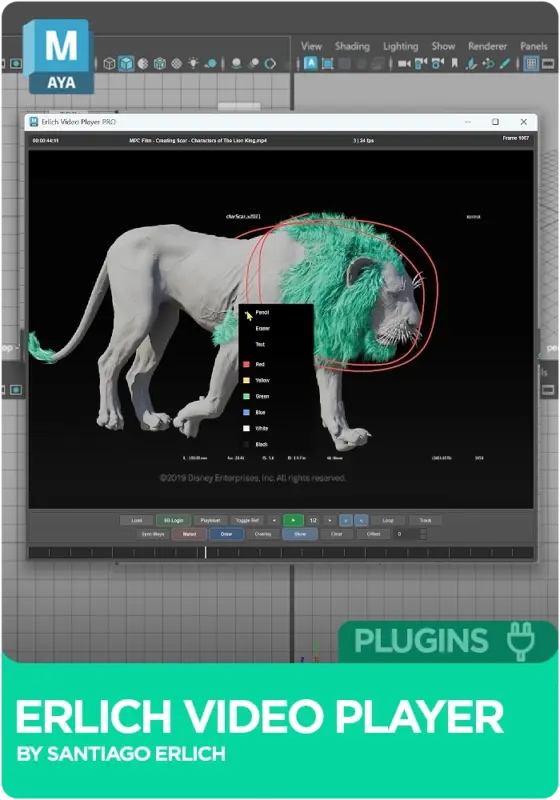
Erlich Video Player for Maya (EVP) by Santi Erlich loads video, image sequences, webcam feeds and playblasts straight into Autodesk Maya, so your reference stays frame-synced to the timeline next to your scene. Free to use, with an optional Studio tier that adds Autodesk Flow Production Tracking (ShotGrid) integration and encrypted, workstation-locked media for studio pipelines. For animators tired of alt-tabbing to a second player.
The full free version, yours to keep. No licence key, no expiry.
Get it freeFull licence on every seat. Renew month by month, stop whenever you like.
Buy studio Maya 2025 to 2027
Instant download Vetted creator
Reference in QuickTime, Premiere or RV means half the day spent switching windows. EVP runs inside Maya, so the reference sits right next to your scene.
Scrubbing a separate player to match a pose is guesswork. EVP keeps the reference frame-synced to the Maya timeline for pose-by-pose matching.
Checking a playblast or a mocap clean-up means lining up two apps. Load the playblast, the source video or a live webcam feed in Maya and compare side by side.
Santi is an animator and tools developer, and EVP is the product of years of his own daily animation workflow. The free version is the core reference player, which is everything most animators need. The Studio tier adds what a pipeline needs on top.
MP4, MOV and standard video formats, loaded straight into Maya.
For animation tests where an image sequence is your ground truth.
Live reference while you act out a shot.
Load playblasts directly and review them beside your scene.
The reference stays synced to your timeline, ready when you need it.
Studio tier: integration with Autodesk Flow Production Tracking for production use.
Studio tier: media encrypted and locked to the workstation for studio pipelines.
No reviews yet
No reviews yet. If you have used it, you would be the first to say so.
Used this in a shot? Your notes help the next animator decide.
Sign in to reviewEvery plugin on Animworks is checked by our team before it goes live.
Questions and bug reports go straight to Santi Erlich, or email support@anim.works.
It lands in your downloads the moment you check out, and stays there.
 Review shots frame by frame
 Rigs, tools, courses and mentors
Current
Rigs, tools, courses and mentors
Current
 Boards and story beats
Coming soon
Boards and story beats
Coming soon