Vectorify - Maya Plugin
FreeMaya





Crowd City LibraryThe Wild West LibraryHalloween LibraryAll Mocap


Demo Reel WorkshopCrafting a ShowreelFacial Animation Boot Camp





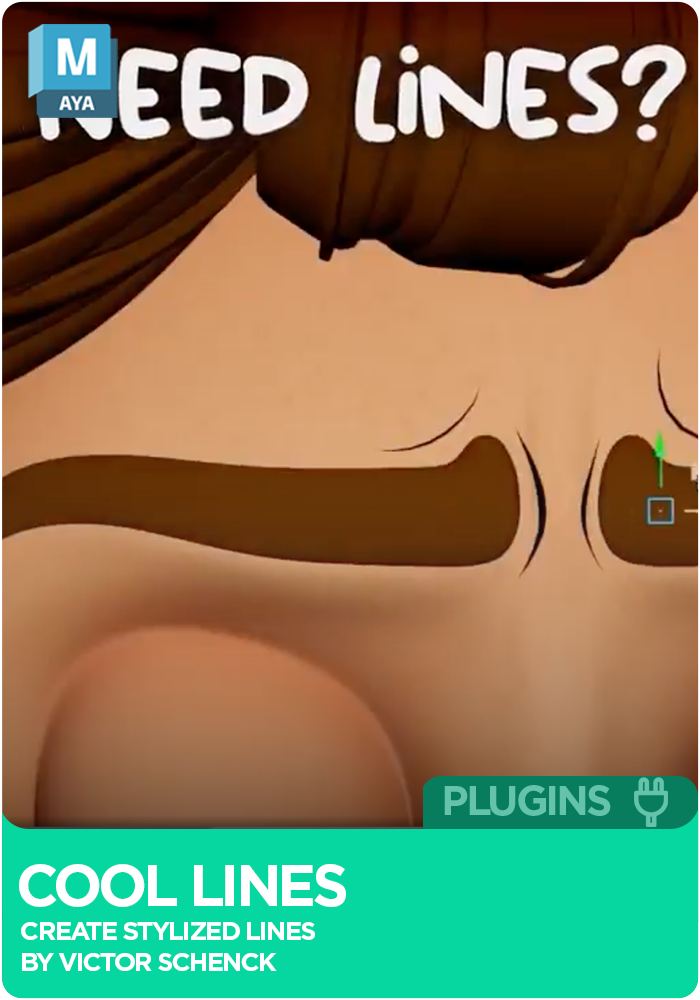
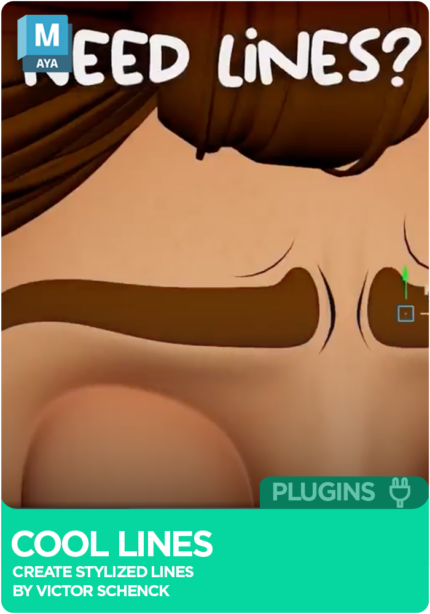
Cool Lines is a free Maya plugin by Victor Schenck for drawing stylised lines in Maya. Paint lines straight onto a mesh with Maya's Paint Effects brushes or generate them from mesh edges, set scale, resolution and taper from a dockable panel that follows scene changes live, then bake every line into one group for export. Works with Maya 2023 and newer.
 Maya 2023+
Instant download Vetted creator
Paint them directly onto a target mesh with Maya's own Paint Effects brushes, or let Cool Lines generate them from the mesh edges automatically.
Scale, resolution and taper sit in one dockable panel that updates as the scene changes, and a default preview shader goes onto every line at once.
Lines stay editable after they are drawn, and when the shot is ready the whole set bakes into a single group for export.
Everything lives in one dockable panel in the Maya UI. Draw or generate the lines, adjust them while they stay editable, preview them with a shared shader, then bake. Version 1.0.5 is an early release and still in active development, built by Victor Schenck with contributions from Clement Daures.
Paints lines directly on a target mesh using Maya Paint Effects tools.
Generates lines from mesh edges automatically.
Assigns a default preview shader to all lines at once.
Controlled from the panel, with lines still editable after drawing.
Docks in the Maya UI and updates live on scene changes.
Bakes all lines into a single group for final scene export.
Maya 2023 or 2024 (PySide2), or Maya 2025 and newer (PySide6), with Python 3.8 or newer.
Drag installer.py into the Maya viewport.
Restart Maya and the Cool Lines panel is ready to dock.
No reviews yet
No reviews yet. If you have used it, you would be the first to say so.
Used this in a shot? Your notes help the next animator decide.
Sign in to reviewEvery plugin on Animworks is checked by our team before it goes live.
Questions and bug reports go straight to Victor Schenck, or email support@anim.works.
It lands in your downloads the moment you check out, and stays there.
 Review shots frame by frame
 Rigs, tools, courses and mentors
Current
Rigs, tools, courses and mentors
Current
 Boards and story beats
Coming soon
Boards and story beats
Coming soon