Twosify - Maya Plugin
FreeMaya





Crowd City LibraryThe Wild West LibraryHalloween LibraryAll Mocap


Demo Reel WorkshopCrafting a ShowreelFacial Animation Boot Camp





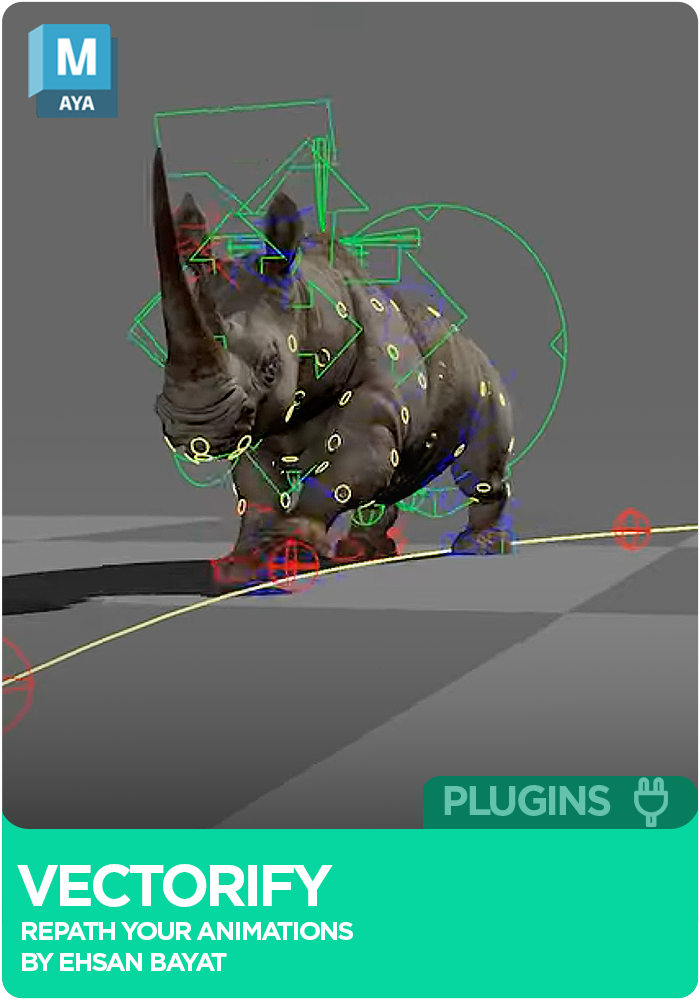
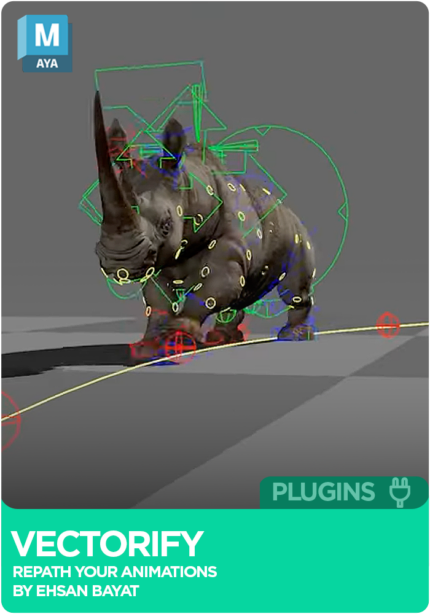
Vectorify is a free Maya plugin by Ehsan Bayat for repathing animation. It works with biped and quadruped cycles but is not limited to them: select an animated control and Vectorify builds a path with temporary controls you can turn into a circle, straighten, flip, snap to the ground or to another path. When the path looks right, bake the result and add your finishing touches.
 Maya
MayaInstant download Vetted creator
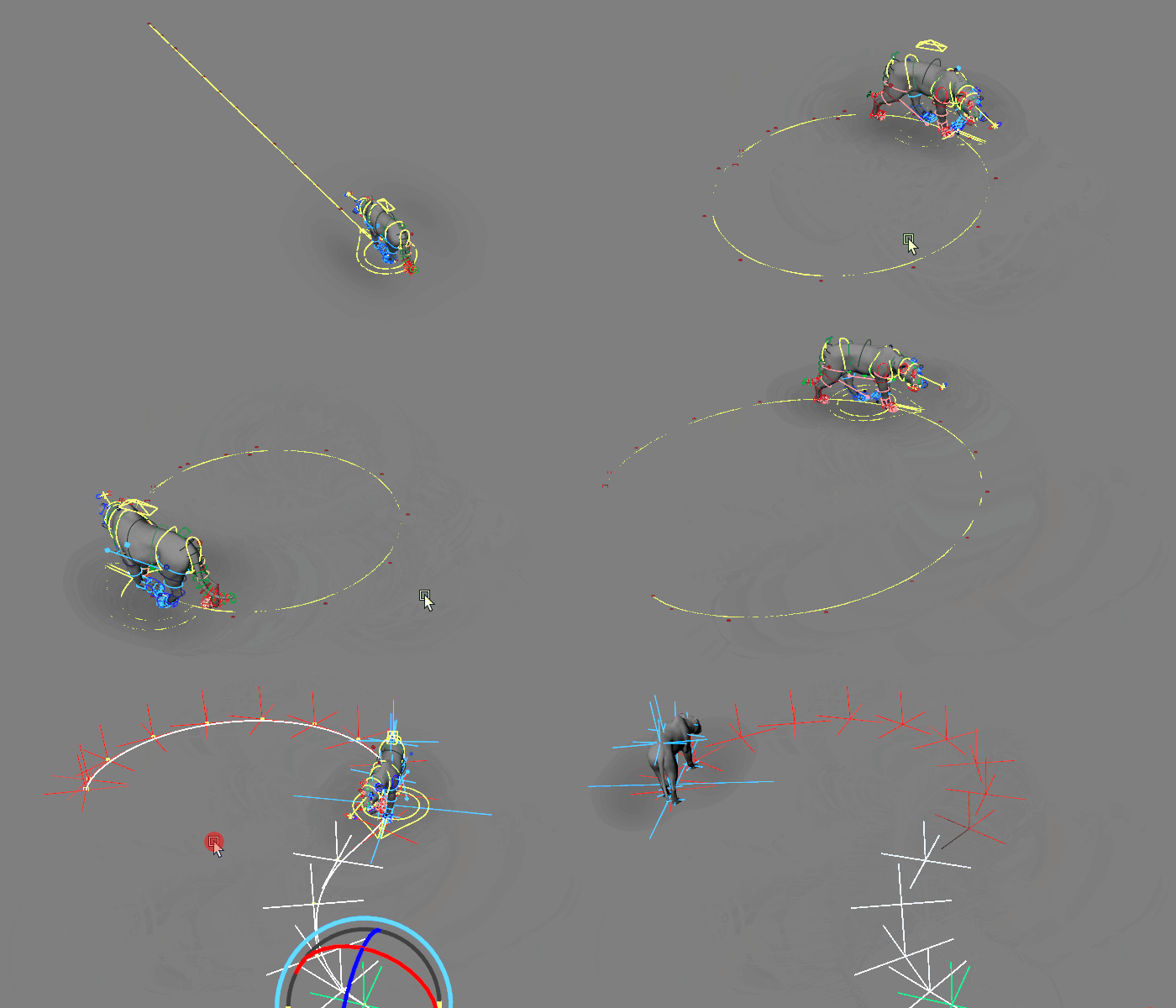
Turning a walk onto a new route usually means reworking keys on every control. Vectorify repaths the animation with temporary controls, so a biped or quadruped turns in a circle, or any shape, naturally.
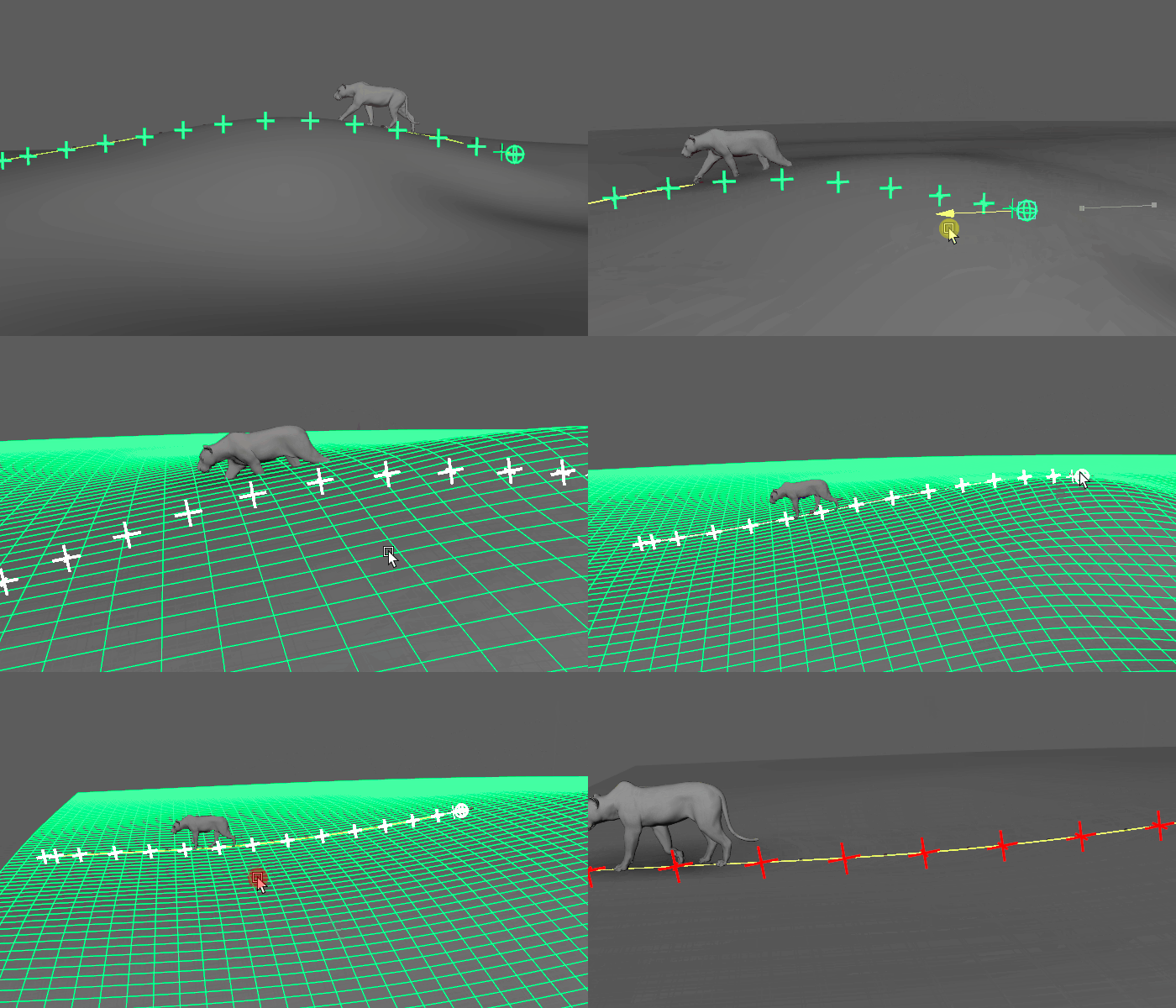
Move a shot onto a slope or bumpy terrain and the contacts float or sink. Vectorify snaps the animation to the ground, even on slopes, bumps and uneven surfaces.
Straighten a curved path, flip the animation direction, snap your path to another path or move the pivot point on the curve, each in a few clicks.
Vectorify works from animation that already exists: the selected control needs keys before a path can be created. Shape the path with the tools below, decide whether the Master Control travels with the character, then bake the result when you are happy and polish by hand. For surface updates, use a ground plane larger than the path.
Turn a biped or quadruped in a circle, or any shape.
Pull a curving path into a straight line.
Reverse which way the animation travels, instantly.
Lay your path onto a second path instantly.
Change the pivot point along the path.
Snap animation to the ground, including slopes, bumps and uneven surfaces.
Make the Master Control follow the character, or keep the character moving on the spot.
Bake instantly when you are satisfied, then add your finishing artistic touches.
No reviews yet
No reviews yet. If you have used it, you would be the first to say so.
Used this in a shot? Your notes help the next animator decide.
Sign in to reviewEvery plugin on Animworks is checked by our team before it goes live.
Bug or feature request? Get support from Ehsan Bayat.
It lands in your downloads the moment you check out, and stays there.
 Review shots frame by frame
 Rigs, tools, courses and mentors
Current
Rigs, tools, courses and mentors
Current
 Boards and story beats
Coming soon
Boards and story beats
Coming soon