
Xu jiuxin
Verified owner
Can we add a Chinese interface? That would be really important for Chinese users. Thank you so much!





Crowd City LibraryThe Wild West LibraryHalloween LibraryAll Mocap


Demo Reel WorkshopCrafting a ShowreelFacial Animation Boot Camp





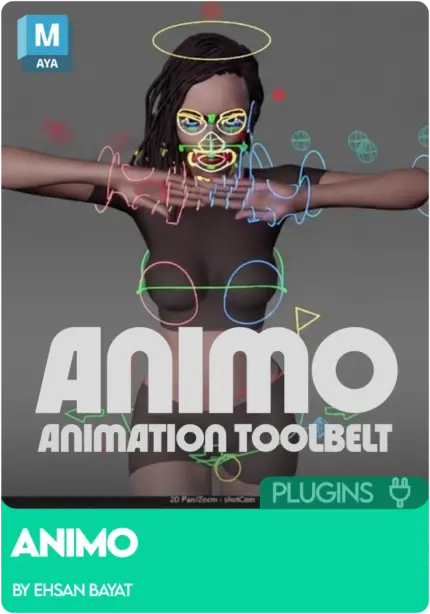
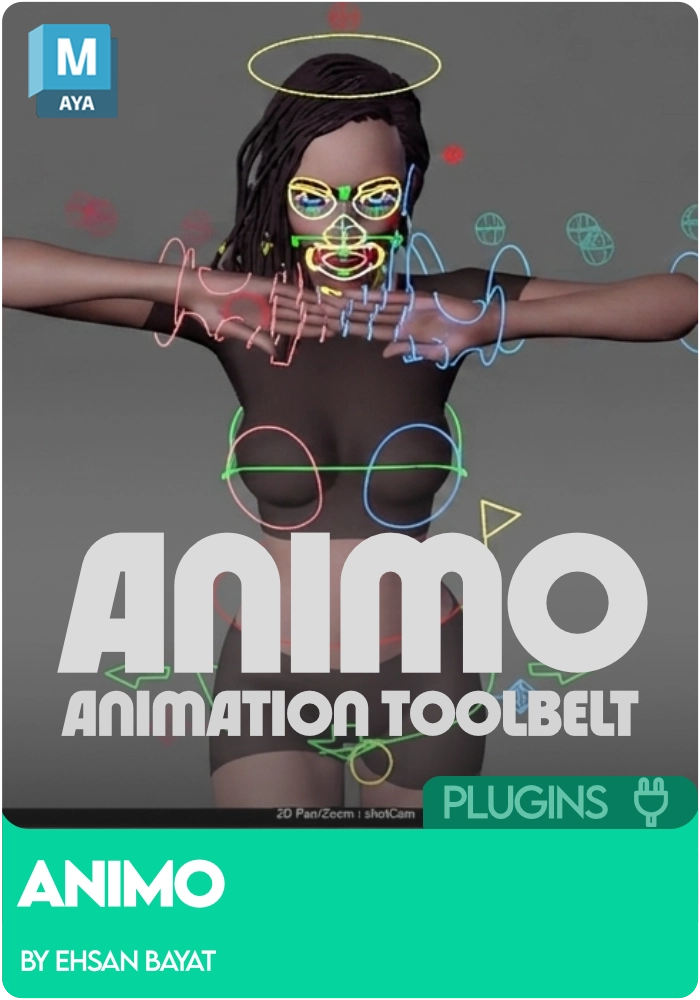
Animo is a free, open-source animation toolset for Maya by animator Ehsan Bayat. One kit covers selection sets, animation sliders, arc tracking, Spacify space switching, global offset, Spider-Verse style stepped tools, fast baking, animation layer tools and a multi-camera playblaster. The Animo Maya plugin supports Maya 2022 to 2026 on Windows and macOS, needs no licence key, and is cleared for commercial and non-commercial work.
 Maya 2022 to 2026
Instant download Vetted creator
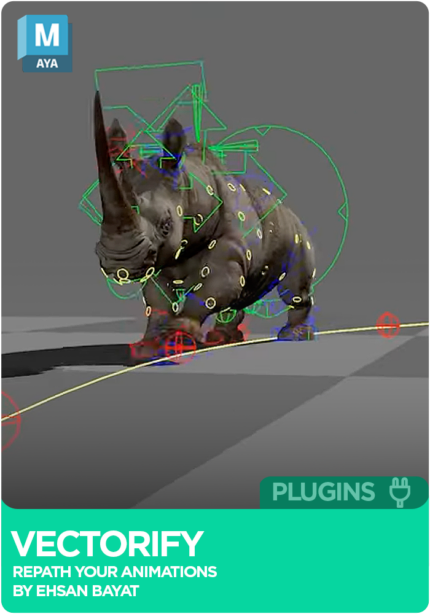
Scrubbing and playblasting just to judge an arc costs a pass every time. The fast arc tracker draws motion arcs as you work, and the camera space tracker reads them the way the camera sees them.
Locators, constraints and a bake, every time a hand needs a new parent. Spacify builds a temporary space in nine modes (world, new pivot, relative, world orient, camera space, group, aim, temp IK, FK chain).
Baking to twos, merging layers and tidying keys by hand drags out every polish pass. Animo bakes to ones through sevens in one click, and merges, smart-merges and cleans layered animation.
Ehsan has pushed a new version. It covers mirroring, arcs, the graph editor, and the small key operations you repeat a hundred times a shot. Seven additions in this release.
Flip a pose, or a whole performance, to the opposite side.
Read arcs the way the camera sees them, not the way world space does.
The graph editor tools you reach for most, gathered on one bar.
Extra sliders for pushing and pulling poses between your keys.
Selection sets now lay out vertically or horizontally.
Shift keys along the timeline without dragging them.
Send a control back to default, one channel or all at once.
Ehsan refined these tools in his own daily animation for years before releasing the whole kit. It is open source, so bug fixes and new tools from other animators are welcome; a credit is appreciated, and repackaging or reselling the tools as your own is not. Animo is still flagged as beta: it should work as intended, but Ehsan says it may contain bugs he has not had time to revisit.
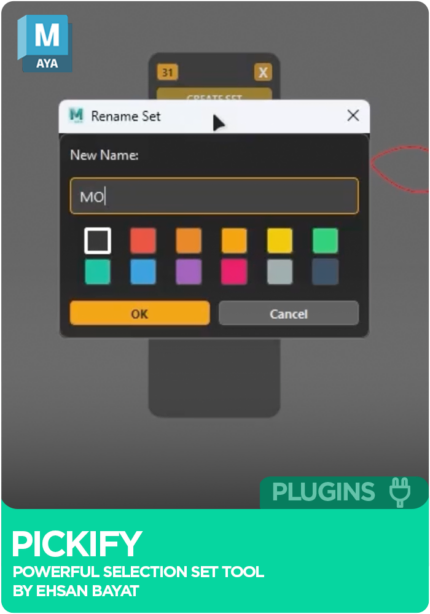
Save and recall control selections across rigs and scenes, laid out vertically or horizontally.
Push and pull poses between your keys, with more sliders added in 9.0.
A fast arc tracker, plus a camera space version that reads arcs from the shot camera.
Nine temporary space modes, attribute space switching, temporary pivots and Xform world space tools.
Offset a whole performance in one move, or shift the path of an action without re-keying every control.
Stepped poses, frame holds and stylised timing helpers.
Bake to ones, twos, threes, fours, fives, sixes or sevens in one click.
Merge, smart-merge and clean layered animation.
Auto, linear and step tangents, mark and clean keys, nudge keys left and right, and a graph editor toolbar.
Multi-camera playblaster, mirror pose and animation, channel resets, copying animation between scenes, quick export and import.
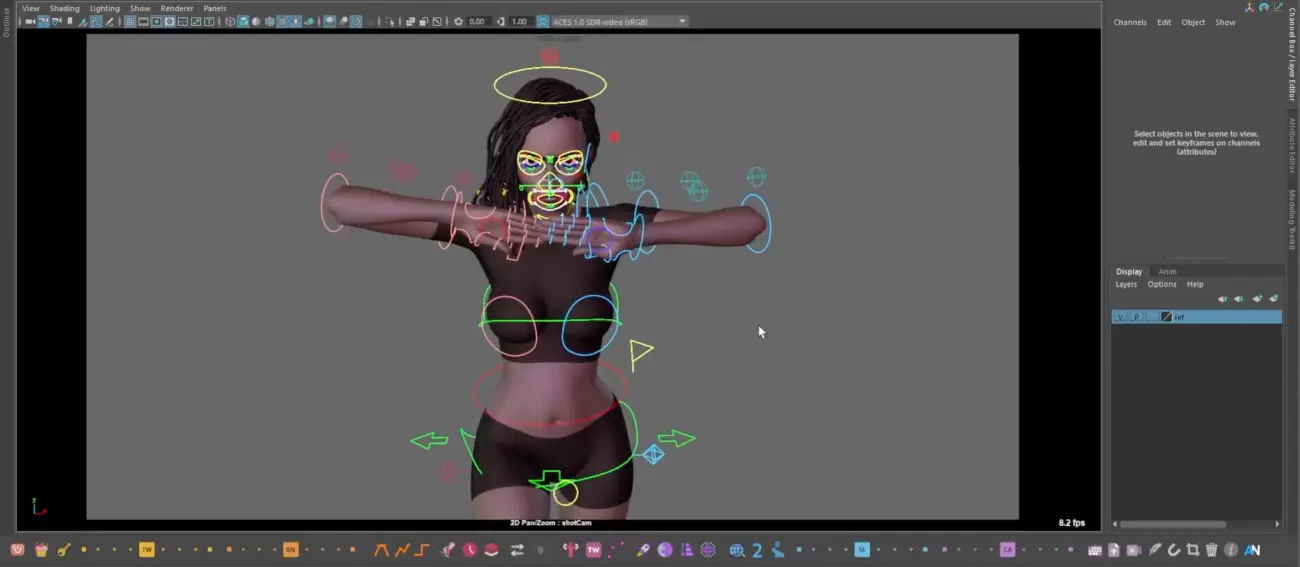
Place the Animo_Data folder in your Maya scripts folder.
Drag and drop the installer file into the Maya viewport.
A toggle button appears on your shelf, and Animo is ready to use.
Animo is a free, open source animation toolset for Autodesk Maya, built by animator Ehsan Bayat. It covers selection sets, animation sliders, arc tracking, Spacify space switching, global offset, stepped Spider-Verse style tools, fast baking, animation layers and multi-camera playblasting.
Yes. Animo is 100% free and open source, with commercial and non-commercial use permitted. The full toolset downloads free from Animworks, no licence key needed.
Place the Animo_Data folder in your Maya scripts folder, then drag and drop the installer file into the Maya viewport. A toggle button appears on your shelf. Animo supports Maya 2022 to 2026 on Windows and macOS.
The latest release adds Spacify, a full space-switching tool with nine modes: world, new pivot, relative, world orient, camera space, group, aim, temp IK and FK chain.
Animo is a free, open source alternative that covers much of the daily animation workflow: sliders, temp-control style space switching through Spacify, arc tracking and fast baking. animBot is a paid subscription tool with its own feature set; many animators run both.
2 reviews · 1 from verified owners
Used this in a shot? Your notes help the next animator decide.
Sign in to reviewEvery plugin on Animworks is checked by our team before it goes live.
Bug or feature request? Get support from Ehsan Bayat.
Version history is published on this page, so you always know what changed.
 Review shots frame by frame
 Rigs, tools, courses and mentors
Current
Rigs, tools, courses and mentors
Current
 Boards and story beats
Coming soon
Boards and story beats
Coming soon