What Holds Up, What Shifts, and What Needs a Second Look
The 12-Principles weren’t abstract rules handed down from some higher authority on motion. They were hard-won practical lessons from artists working in a very specific context: hand-drawn character animation for an audience, where the animator controls every frame, the camera is essentially fixed, the timing is absolute, and the goal is purely emotional storytelling.
Game animation shares a lot of that DNA, but it also operates under conditions Johnston and Thomas never had to account for. A real-time frame budget. A player who is actively making decisions, not sitting back and watching. Interruptible states, unpredictable camera angles, and animations that can be seen thousands of times. The emotional goals of film animation and the functional goals of game animation overlap in many places and pull in different directions in others.
What follows below isn’t a case against the twelve principles. It’s a look at which ones carry over directly to games, which ones need to be thought about differently, and a few places where relying purely on film instincts may work against you.
The Keepers: Principles That Transfer Cleanly
Arcs
Arcs are universally true. Motion in nature, in bodies, in objects, in everything with mass and momentum, follows curved paths. Straight-line motion reads as mechanical and robotic in any medium, and game animation is no exception. If your keyframing produces angular, linear motion paths, you have a problem regardless of the platform you’re animating for.
This one is foundational and context-agnostic. Learn it, apply it, don’t second-guess it.
Squash and Stretch
The principle transfers cleanly, though the application in games usually lives in subtler territory.
Full cartoon squash and stretch, the rubber-hose exaggeration of classic Disney work, is a tonal choice that reads as intentionally stylized. Outside of games specifically designed for that style, pushing it far may look out of place.
What does apply across the board is the underlying idea: showing weight and flexibility through shape change. A character’s face squashing slightly on a heavy landing. Cloth and secondary elements stretching opposite the direction of motion before catching up. These are game-appropriate expressions of exactly the same principle.
The further you push it, the more you’re making a stylistic statement, which is fine as long as it suits the overall aesthetic of the game.
Secondary Action
The principle is sound. A character reaching for a weapon while their breathing continues. Hair moving independently of the main body motion. The sleeve following the timing of a punch after impact. These details make animation feel organic rather than mechanical.
Keyframing secondary action gives total control over the look and feel. However, when considering game animation, the nature of the player being able to control the character at any moment brings questions like “how would the keyframed secondary action blend to any available motion set, at any time?” This is why many games defer to real-time physics to handle much of the secondary action.
This game-specific consideration also has tradeoffs: physics-based secondary action has GPU-performance costs, and in real-time environments, that cost has to be weighed against what the frame budget allows. The artistic principle doesn’t change, but the implementation might be more constrained than it would be in a film pipeline, where showing real-time image outputs is not even considered.
Appeal
In film, appeal means charm and readability, a quality that makes the audience want to watch a character. In games, this is sometimes thought as character clarity: a readable silhouette, personality expressed through idle and locomotion cycles, a visual identity that consistently communicates who this character is.
This matters enormously in games because players are watching the same animations hundreds or thousands of times. An appealing idle isn’t just for aesthetics; it’s a part of the character’s presence in the world across the entire play session. It’s the same principle, with a different emphasis.
A Re-think: Principles to Apply with Care
Anticipation
This is the most important principle to consciously reframe for game animation, and the one that most often needs adjusting when moving from a film background.
In film, anticipation is almost always welcome. A big wind-up before a punch reads as powerful and intentional. A character crouching before jumping communicates preparation. The audience is watching, not playing, and they have the patience for setup.
In games, heavy anticipation can work against the player. A long windup on a jump makes the character feel sluggish. Players press the button and expect the action. Every frame of anticipation before the primary motion is a frame of delay between player input and visible result, and players feel that as unresponsiveness even if they can’t articulate why.
The solution isn’t to eliminate the feeling of anticipation but to relocate where it lives. Front-load it into idle and stance poses: a character in a combat idle already looks ready to move, already carries the tension of potential action. This is sometimes called pose readiness: the character at rest already implies the next thing they might do. When the input comes, you can commit to the action immediately without losing the sense of preparation. The principle of anticipation is still doing its job. It’s just sort of built-in to other parts of the motion tree.
Follow-Through and Overlapping Action
An excellent principle, with real performance considerations, as touched on earlier as secondary action.
Hair, cloth, secondary bones, accessory chains: all of this overlapping secondary motion reads beautifully and adds significant life to a character. It’s also compute-heavy, and in real-time environments the budget for it is always a concern.
There’s also a design problem specific to games that film animators don’t have to solve: what happens to your follow-through when the action gets interrupted? A sword swing with a long follow-through is great in isolation. But players can cancel actions, dodge mid-swing, chain into another attack, or take a hit at any point. The blend out of an interrupted state needs to be part of the animation work, not an afterthought.
Slow In / Slow Out
Motion with proper easing reads as weighted and intentional; motion without it reads as mechanical. No argument there.
The thing to watch is over-applying it based on film instincts. In film, rich and slow easing is almost always welcome because it gives the audience time to read the motion and feel its weight.
In games, especially action games, over-eased motion can read not as weight but as lag. The character feels like they’re moving through syrup.
There’s a real difference between easing that communicates weight and easing that
feels sluggish, and where that line falls is different in games than in film.
Action game characters often need “harder”, more committed f-curves that emphasize the decisiveness of the motion. Dialing this in requires checking against gameplay feel, not just against what looks correct in the viewport.
Exaggeration
Exaggeration is how animation communicates clearly and with energy. But the degree of exaggeration depends entirely on the tone and genre of the game, and this is something game animators have to navigate more consciously than film animators typically do.
A cartoon platformer can push exaggeration far. A realistic military shooter treats heavy exaggeration as a tone problem: oversized impacts and broad anticipation poses undermine the reality-fiction the game is trying to hold. The principle is a tool, and how much of it to use is a creative and design decision that has to be thoughtfully adjusted to the specific project.
Worth Examining: The Basics
Straight Ahead vs. Pose-to-Pose
This one is less a principle about the quality of animation and more a workflow methodology. In games, depending on the style of motion and even the motion pipeline, both can be used.
When keyframing in game animation, you’re working within a state machine. Your key poses, your transitions, your loops, your contact points, are things the system depends on. For keyframed projects, pose-to-pose is almost always the answer, not because it produces necessarily better-looking motion but because the architecture of keyframed game animation is inherently pose-based.
However, when considering that many game animation pipelines implement motion capture, a straight-ahead workflow would make more sense in many of the cases. Since mocap itself is inherently “straight-ahead”, animators must combine their skills as keyframers with the fluidity of captured motion. Knowing, by eye and experience, where the key poses are within a mocap shot and making adjustments using the 12-Principals, will make your mocap adjustments shine.
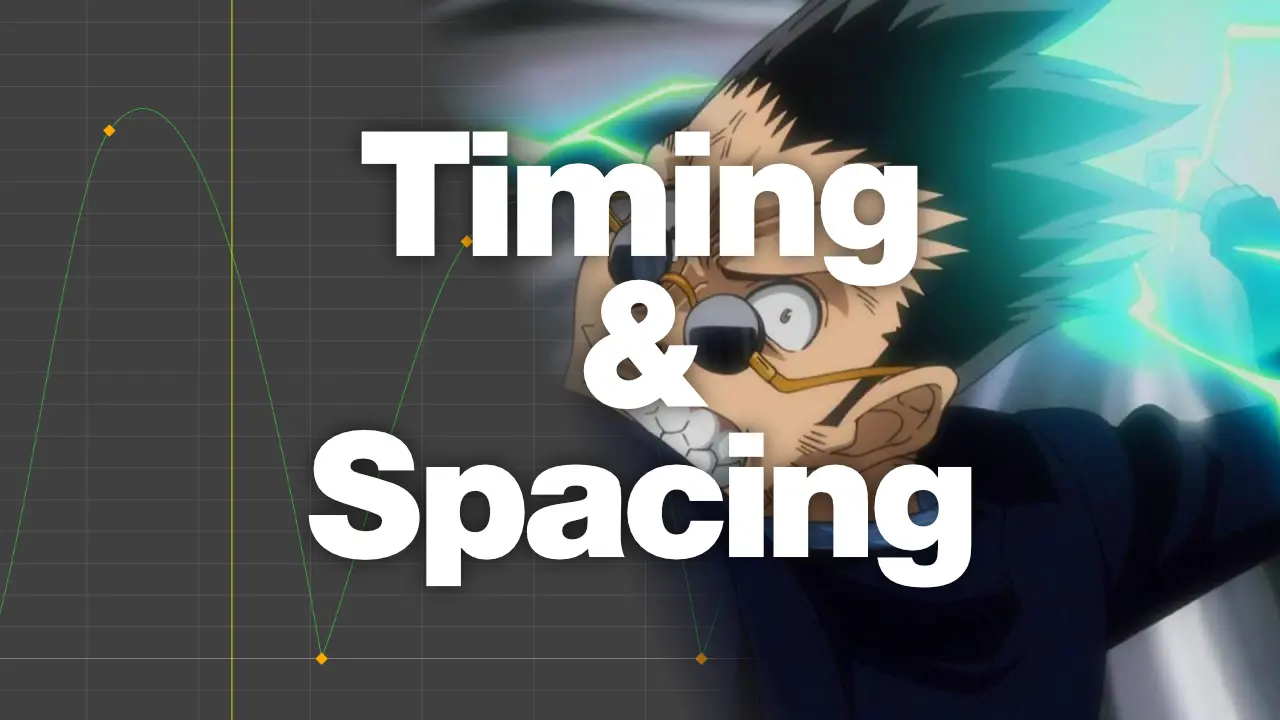
Timing
Timing is everything. The thing to watch is that film timing instincts are meant for a different set of goals than game animation usually requires.
Film animators develop timing instincts around emotional pacing. How long does this moment need to breathe? How much time does the audience need to register what just happened? Answering these questions produce timing that is expressive, readable, and emotionally engaging on screen.
In games, timing is primarily a feel and responsiveness question and shifts to: what is the response window for this action, and does the animation communicate it accurately? A sword swing that feels cinematic and weighty can be punishing if the timing is too slow. A jump that feels heavy and intentional as a film cut can make a platformer feel sluggish.
Animating to response windows and gameplay requirements rather than purely to emotional beats is a shift that film-trained animators have to make consciously. It doesn’t mean abandoning the craft. It means understanding that the animation is in service of a playable system as much as a visually-appealing one.
Staging
Staging in film means composing action to read clearly within the frame: using the camera, the positioning of characters, and the timing of motion to direct the audience’s eye and communicate information efficiently. It’s a powerful tool, and film animators develop strong instincts around it.
In games, the camera is usually not something the gameplay animator controls.
Players move cameras freely. They look at characters from unexpected angles, zoom in, swing wide, look in directions the animator never anticipated. Staging instincts built around a fixed or directed camera don’t automatically translate to this environment, and can lead to animations that look beautiful in the DCC but lose clarity from other angles.
The game equivalent of staging is silhouette legibility at any angle. Your character’s key poses, action states, and emotional beats need to read clearly in three-dimensional space, not just from the camera positions you happened to be animating in. That’s a different problem than film staging, and it requires a different way of looking at your animation.
What the Twelve Principles Don’t Cover
The principles were a complete toolkit for Disney’s work in the 1930s. Today’s game animation has significant territory they simply couldn’t address.
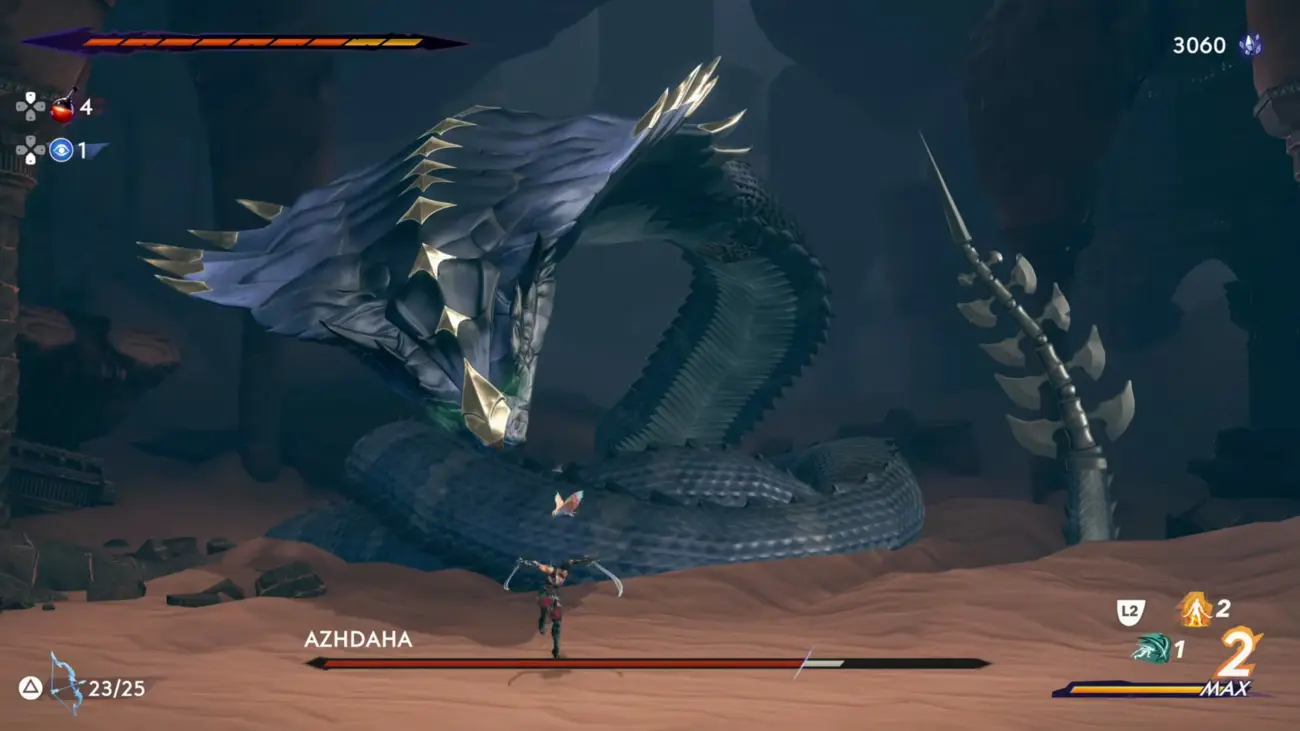
Interruptibility: Almost every animation state in a game needs to be designed with the assumption that it might be cut short. Players cancel actions, take hits mid-motion, chain inputs before a cycle completes. How an animation behaves when interrupted, how it blends out, what state it leaves the character in, is a core part of the work with no equivalent in film, where animations play to completion.
Blending: The transition between states is as much the animation as the states themselves. A beautiful locomotion cycle connected to a beautiful attack cycle by a poor blend is an imperfect animation system. Film has cuts and picture edits, games have blend trees and transition graphs. Managing those transitions well is a discipline in itself.
Locomotion systems: Foot planting, lean angles, banking through turns, stride matching across speeds: none of this has a meaningful film equivalent. Locomotion is one of the deepest and most technically complex areas of game animation, and it requires thinking in systems as much as in poses.
Player-readable telegraphing: In games, animation has to communicate gameplay information, not just emotion. Enemy attacks need to be readable so players can respond. Ability windows, damage states, interrupt points, charge levels: these are animation problems that have nothing to do with storytelling and everything to do with the game being playable, fair, and enjoyable. This can be considered “anticipation”, and typically, enemy characters would require this in, say, their attack animations. The “size” of the telegraph will be dictated by gameplay design, not by story.
















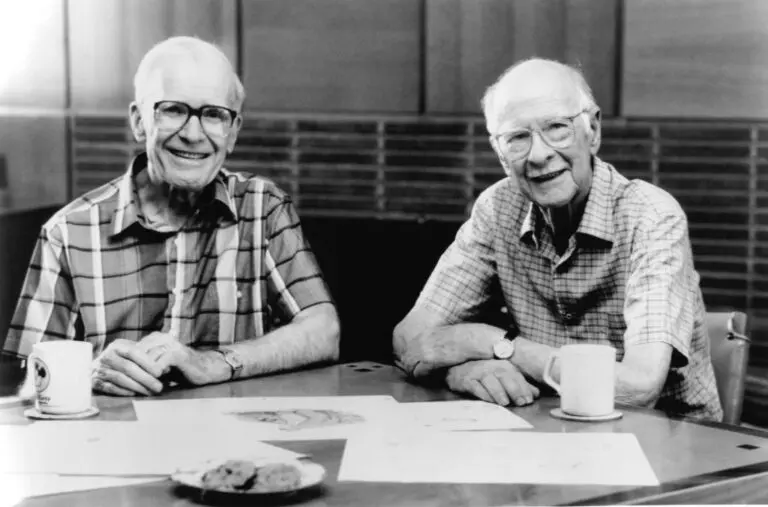
 s remain worth knowing deeply. The Illusion of Life is arguably one of the most essential-reads for any animator (including Richard Williams’ The Animator’s Survival Kit). They contain real truths about motion, weight, and appeal that hold up regardless of what you’re animating.