Motion capture technology has been a cornerstone of game animation for decades. But in 2026, something has fundamentally shifted. AI motion capture for games has reached a turning point, these tools are no longer a curiosity for well-funded studios. They’ve become a practical option for indie developers, freelancers, and small teams who want production-quality results without a six-figure budget.
At Animworks, we’re watching this space closely. As a collective built by working animators and game developers, we see firsthand how these tools are changing what’s possible. This guide breaks down the current AI motion capture landscape for games in 2026, what the tools actually deliver, and how to choose the right approach for your project.
What Is AI Motion Capture for Games?
Traditional motion capture requires a studio, a suit covered in reflective markers, and specialist operators. It delivers outstanding results, but the barrier to entry, both in cost and logistics, has historically put it out of reach for smaller teams.
AI motion capture uses machine learning to extract skeletal animation data from video footage, or in some cases, generate animation procedurally from text or audio input. The result is a motion pipeline that can happen on a laptop, in a bedroom, with nothing more than a webcam or phone camera.
The quality gap between AI mocap and traditional optical mocap is narrowing rapidly. It’s not gone, but for many game animation workflows, it’s now narrow enough to matter.
Autodesk Flow Studio represents one of the most significant moves in this space. Autodesk, the company behind Maya, the industry-standard DCC tool for character animation, has built AI motion capture directly into a product designed to slot into professional game development pipelines.
What makes Flow Studio noteworthy isn’t just the AI mocap capability. It’s the integration. Getting mocap data from capture to a clean, retargeted, game-ready rig has traditionally involved multiple software handoffs and a lot of manual cleanup. Flow Studio is designed to reduce that friction, bringing capture, processing, and retargeting closer together.
For game animators already working in Maya, this is meaningful. Your mocap data flows into the tool you already know, attached to rigs you already trust. The workflow doesn’t ask you to learn an entirely new system: it extends the one you have.
Rokoko: The Hardware Mocap Democratiser
Rokoko has been on a mission to bring professional mocap within reach of independent creators for years. Their inertial suit, the Smartsuit Pro, delivers full-body tracking without an optical setup, meaning you can capture in almost any environment. Their more recent Smartgloves add finger and hand tracking, an area where even high-end optical setups have historically struggled.
The Smartgloves II, released recently, addresses one of the main criticisms of the original: accuracy. Hand and finger motion is notoriously difficult to capture cleanly. Inertial sensors can drift, and subtle gestures can be hard to preserve. The updated gloves represent a genuine improvement in this regard, making them a more viable option for games where expressive hand animation matters like RPGs, narrative titles, and VR experiences.
Rokoko‘s ecosystem also includes Rokoko Studio software and a growing library of animation clips via their online platform. For teams building character animation libraries, this represents real value.
Motorica: Generative AI for Game Animation
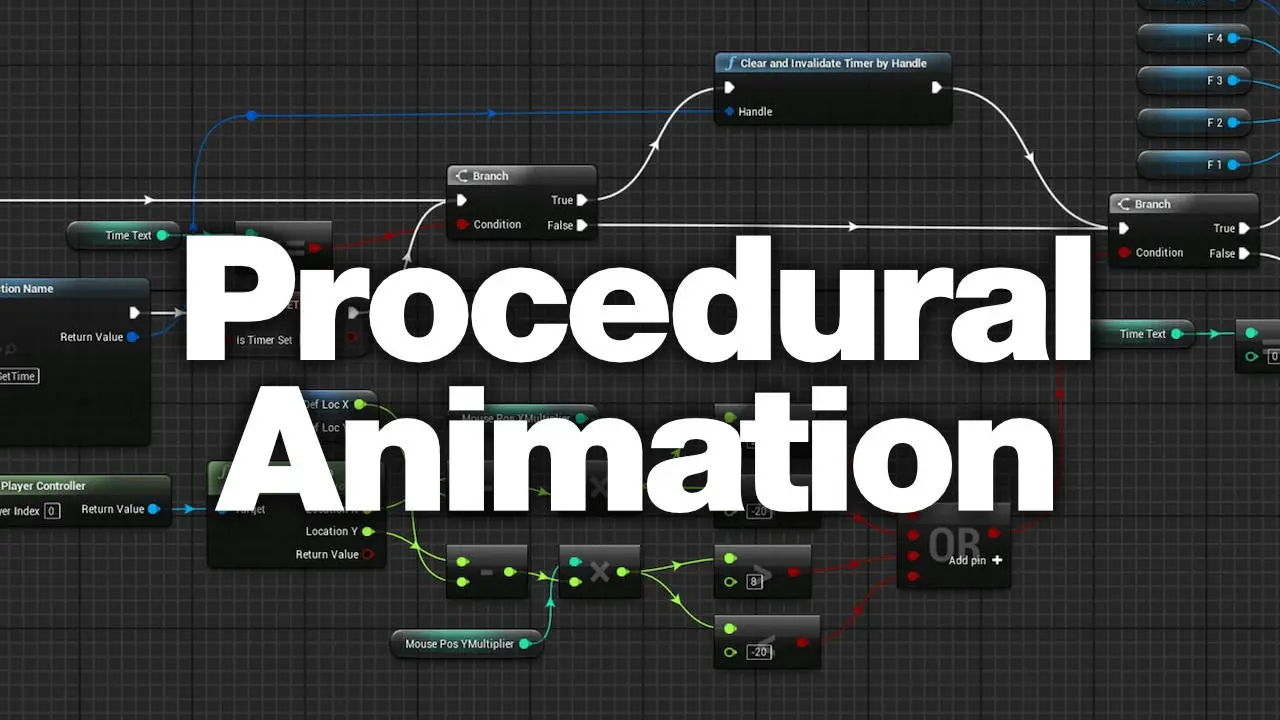
Motorica takes a different approach. Rather than capturing human movement and transferring it to a character, Motorica uses AI to generate animation data. Combined with motion matching (a technique that blends animation clips intelligently based on character state) this opens up interesting possibilities for procedural and reactive character movement in games.
For game animators, this is worth tracking carefully. Procedural generation and motion matching have already reshaped how locomotion is handled in many AAA titles. AI-driven generation could extend this to more complex behaviours, reducing the volume of hand-keyed or captured animation needed for a shipping game.
Which Approach Is Right for Your Project?
There’s no single answer. The right tool depends on your project type, budget, and existing pipeline. Here’s a useful way to think about it:
Autodesk Flow Studio makes most sense if you’re already deep in the Maya ecosystem and want AI-assisted mocap that integrates cleanly with professional production workflows. It’s designed for teams who need quality and pipeline compatibility.
Rokoko makes most sense if you want hardware-based capture with a strong software ecosystem and don’t want to be tied to a particular DCC tool. The inertial suit works anywhere, and the Smartgloves extend what’s possible for hand animation. It’s a strong choice for indie developers and freelancers who need flexibility.
Motorica and AI-generative tools make most sense if your project involves complex locomotion systems, large volumes of ambient animation, or experimental interactive character behaviour. They’re also worth exploring as a complement to traditional keyframe and mocap workflows rather than a replacement.
The Bigger Picture: Mocap Is No Longer a Big-Studio Privilege
The clearest takeaway from the current landscape is that motion capture, in some form, is now accessible to virtually any serious game animator. The question is no longer “can we afford mocap?” but “which mocap approach fits our project?”
That’s a significant shift. It changes what small teams can produce. It changes what clients expect. And it changes what skills are worth building if you want to stay relevant in the industry.
If you’re looking to go deeper on motion capture for games, including how to integrate mocap data into game-ready rigs and build a professional pipeline from scratch, check out the Motion Capture For Games course on Animworks. It covers the full workflow from capture, to in-engine implementation, built by practitioners who use these tools on real productions.
And if you’re sourcing production-ready character rigs to work with your mocap data, explore the Animworks rig library, a curated collection of game-quality rigs built by experienced riggers and available to the community.
Watch some of the videos I created this year on AI:
https://youtu.be/yDdSb9_s3fEhttps://youtu.be/u_UUs-zraeEhttps://youtu.be/w-AJ5fBlz5E